Search entry and reader questions
Shopify Collections and catalog structure: make products findable as the store grows
This guide is for Shopify merchants setting up products, collections, navigation, or filters. It connects manual and automated collections, field ownership, sorting, SEO, storefront entry, and feed checks; the official references explain platform entry points and rules but do not prove that any current store is configured, synced, or ranking.
How do you set up Shopify Collections, and when should you choose manual or automated?
What jobs should Shopify product category, product type, vendor, and tags each handle?
How should Shopify automated collection AND and OR conditions be tested to avoid wrong products?
How should a Shopify collection page title, description, image, and sort order be checked together?
Why does a new Shopify collection not appear in the main navigation?
How can Shopify Search & Discovery filters avoid leaving shoppers with no products?
How can a Shopify catalog expand without rebuilding its product fields?
How should Shopify collections, navigation, filters, and advertising feeds use the same product fields?
Official sources and readback boundaries
These Shopify pages help confirm collection, automated-rule, and filter entry points and guidance. They cannot prove current product status, collection matches, navigation, feed sync, indexing, or conversion; an authorized owner must read each result back in the target store.
Phase 2 · Products and store structure
Collections and Catalog Structure: Make Products Findable and Expandable
Build manual and automated collections, give category, product type, vendor, and tags clear jobs, and create a stable structure for navigation, filters, advertising feeds, and future expansion.
What counts as complete
Use Products > Collections and Search & Discovery to reach the correct page, then configure, save, verify, and record the result. Completion means you can point to the saved state, verification result, and condition for continuing.
- Admin path
- Products > Collections and Search & Discovery
- Output to keep
- A minimum usable catalog with collections such as All Products, Desk Organization, and New Arrivals, plus explicit automated rules, URLs, sorting, images, and storefront entries.
- Continue when
- Collections serve real shopping tasks, field responsibilities do not overlap, automated rules have an owner, and navigation, filters, and feed paths are reviewed.
- Stop when
- Pause catalog expansion when automated collections include irrelevant products, the storefront is empty, or field maintenance has no owner.
Evidence boundary: A correct admin collection match does not prove future products will classify correctly or that navigation, feeds, and search platforms have synced; verify those separately.
Why this step comes now
Collections are not admin decoration. They determine how customers enter products and how navigation, filters, and feeds work. Giving category, product type, vendor, and tags fixed jobs now saves work as the catalog grows.
Prepare before opening the admin
- Prepare at least one complete product with drafts for category, vendor, product type, and tags.
- List the shopping entries customers will use; do not create collections around internal departments.
- Confirm whether the admin uses the current collection model instead of assuming legacy behavior is the new rule.
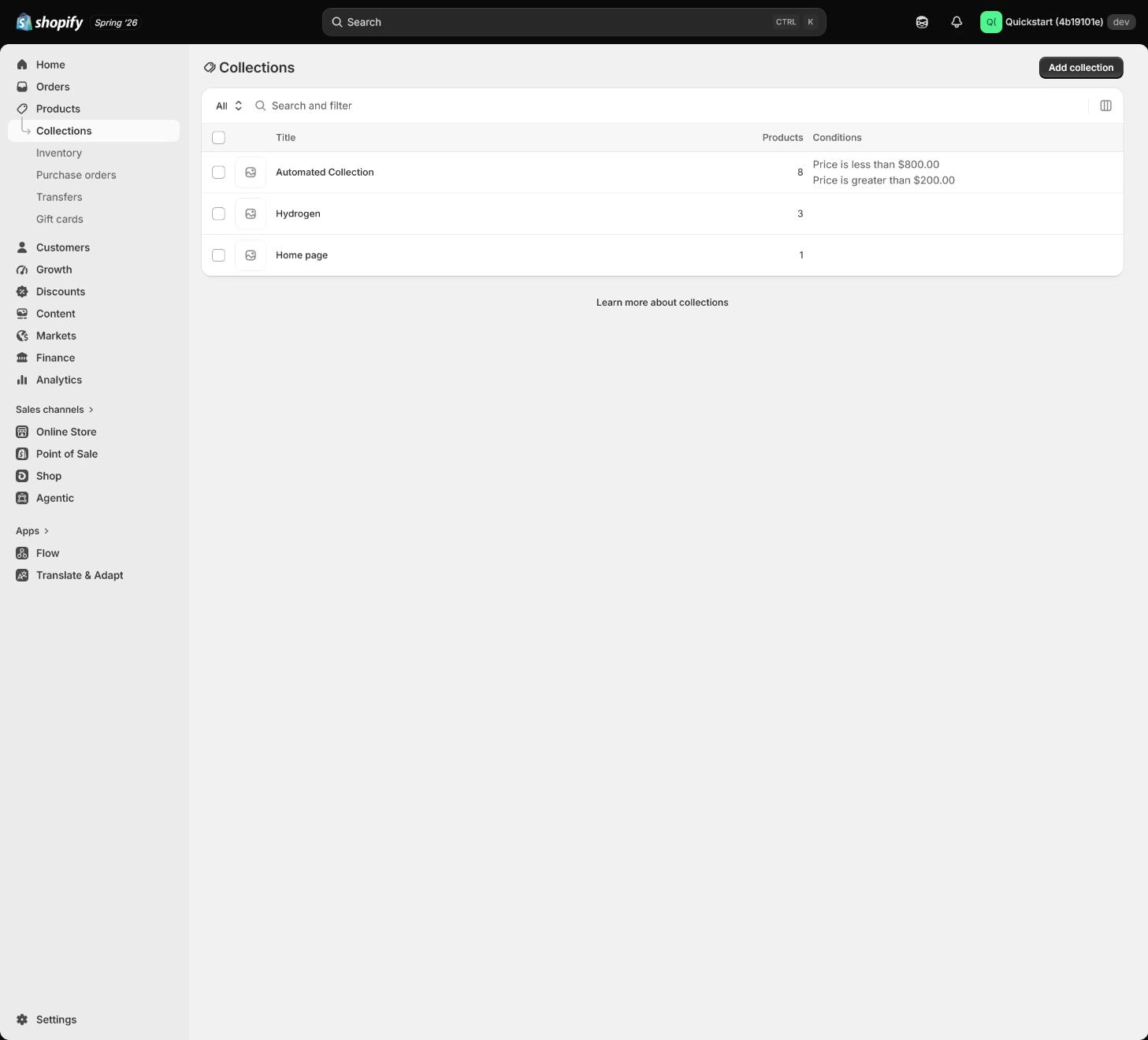
Follow the English admin step by step
After each step, refresh the admin or verify the storefront. A saved admin state does not automatically prove the customer-facing result.
Map the three-layer catalog
Map only the primary navigation, collection page, and product page. When the launch has one core category, do not create a dozen empty collections; give every collection a customer intent and a realistic future product capacity.
Expected result: Have a minimum catalog sketch that includes All Products, Desk Organization, and New Arrivals.
Completion standard: Every entry can be explained by a customer task and has products or a clear expansion reason.
If the result is missing or wrong: If there are too many empty collections, merge them around customer tasks instead of filling the catalog with internal department names.
Evidence to keep: Keep the catalog map, collection URLs, owner, and verification time; a correct current structure does not prove future products will classify automatically.
Separate field responsibilities
Use Shopify standard taxonomy for Product category, a stable team category for product type, the brand or supplier for vendor, and tags only for rules or operations. Do not put descriptions in tags or duplicate every field.
Expected result: Every product field has a fixed definition, owner, and use case.
Completion standard: Example product values support collections, search filters, and feeds rather than merely looking tidy in the admin.
If the result is missing or wrong: When an automated collection includes irrelevant products, split the conditions, confirm all versus any logic, and correct the misused field.
Evidence to keep: Keep the field dictionary, actual values for at least one product, and collection-match result.
Failure handling: If every collection depends on temporary tags, assign an owner and move stable rules to product type or category.
Create a manual collection
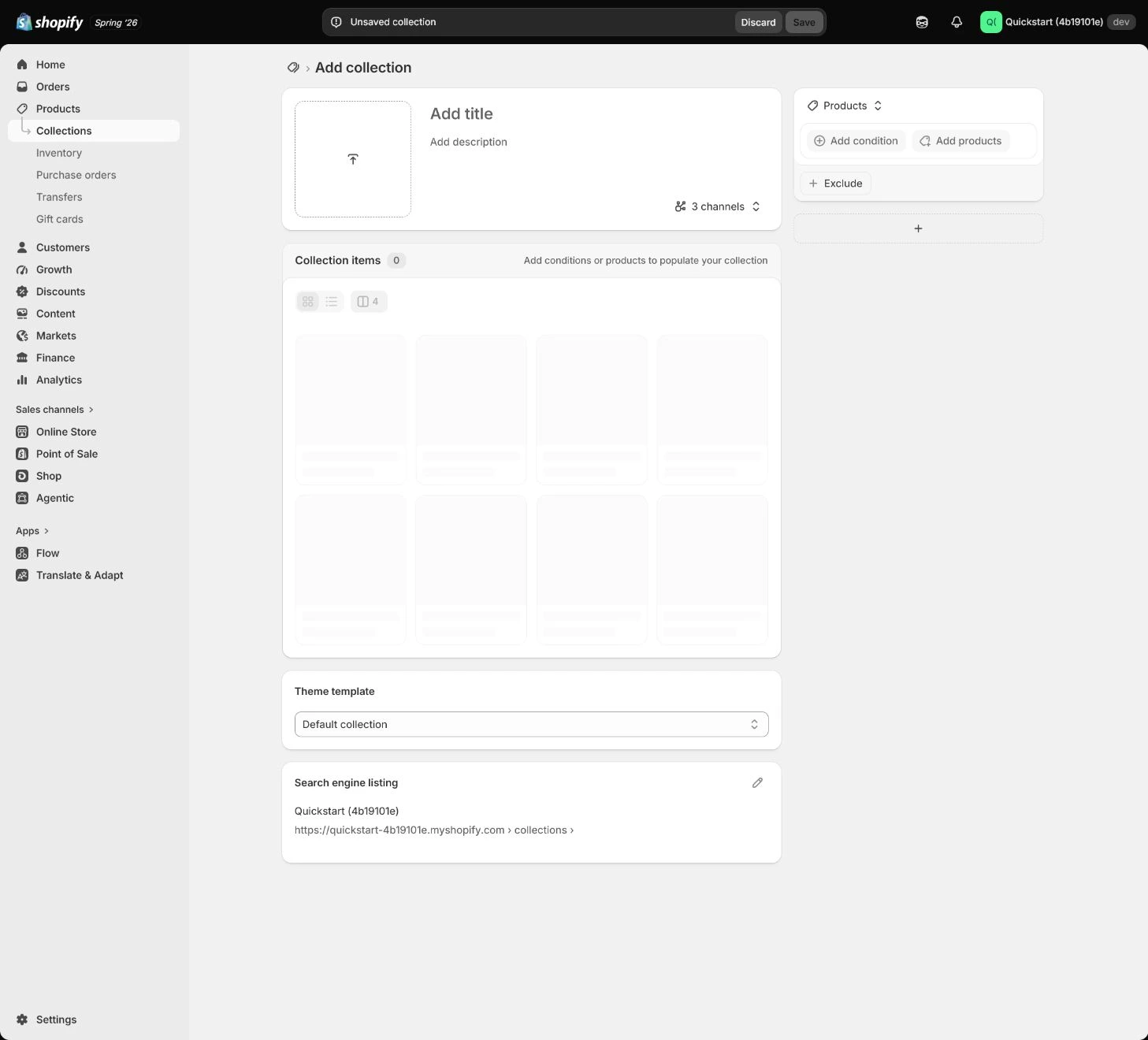
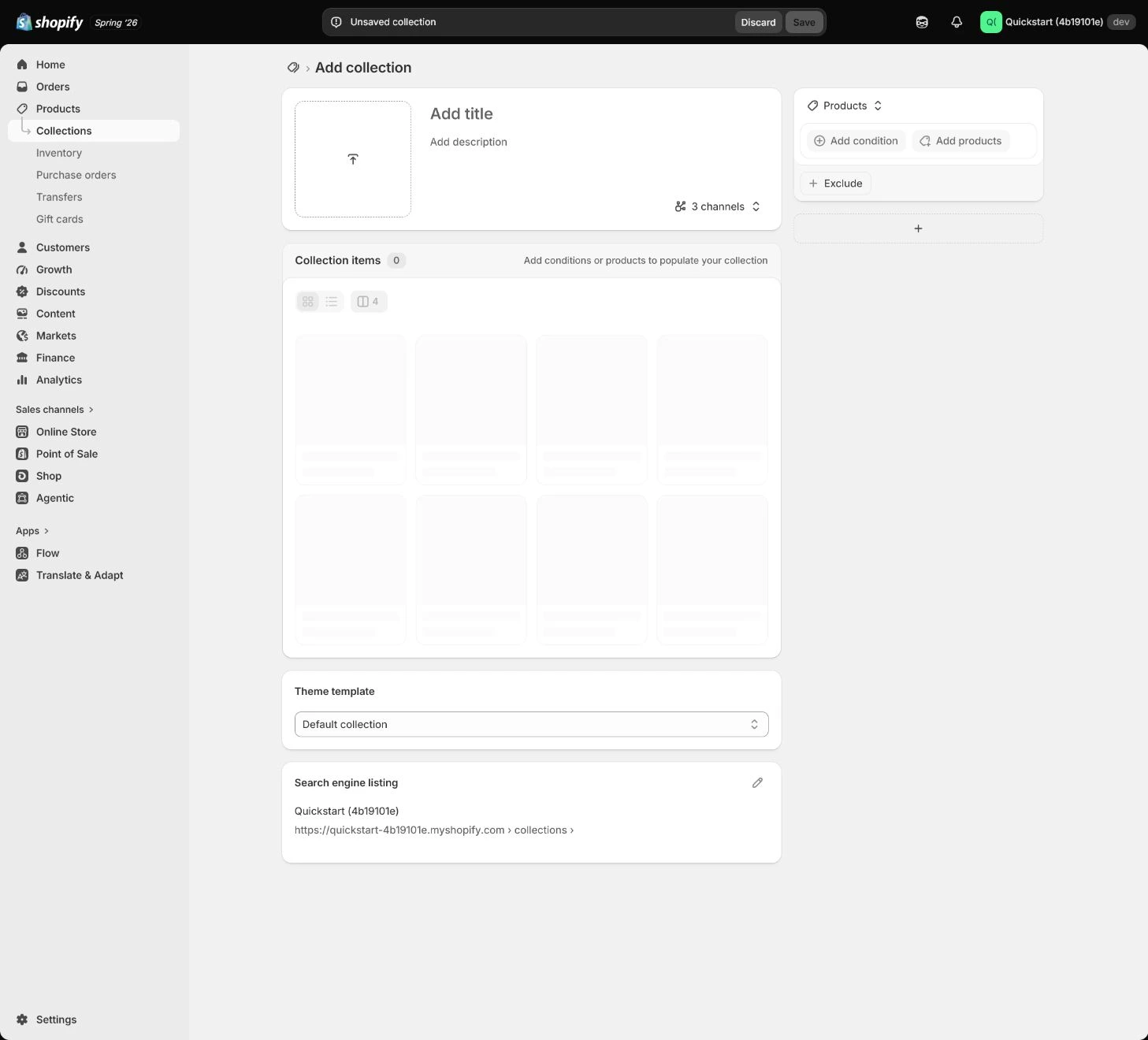
Use Manual for small, curated, or unstable collections. Add the title, description, and image, add products deliberately, then check sorting and the storefront entry.
Expected result: Have a manual collection with a title, description, image, product list, and sorting result.
Completion standard: Curated products, collection URL, and the storefront first screen match the customer task.
If the result is missing or wrong: If the collection is empty, check product status, sales channels, and market availability instead of repeatedly adding the same product.
Evidence to keep: Record collection mode, product count, sorting, image, and storefront result.
Create an automated collection
Use Automated for stable rules with category, product type, vendor, tag, price, or inventory conditions. Test the rule against the product table before publishing it so OR and AND logic do not admit irrelevant products.
Expected result: Have an automated collection with explicit, currently correct, maintainable conditions.
Completion standard: After adding or changing a product, collection membership changes as expected and someone owns the field maintenance.
If the result is missing or wrong: When the storefront collection is empty, inspect product status, conditions, market, and sales channel instead of hiding the rule problem with a manual add.
Evidence to keep: Keep the rule, test product, match count, collection URL, and maintenance owner.
Failure handling: If a new product is missing, confirm the stable field is populated, retest the rule and cache, and do not broaden tags without an owner.
Set sorting, SEO, and presentation
Start a new store with manual curation or Best selling so out-of-stock or secondary products do not lead by default. Write an independent collection description and SEO, then check image, filters, and first-screen products on mobile.
Expected result: The collection has appropriate sorting, independent copy, image, SEO, and a mobile display result.
Completion standard: Customers understand the collection theme, first-screen products are available, and filters do not empty the page.
If the result is missing or wrong: If filters are too numerous or return no results, keep only fields customers use, normalize product values, and remove low-coverage filters.
Evidence to keep: Keep sorting, SEO, image, mobile capture, and filter results.
Connect navigation, filters, and feeds
A collection does not automatically appear in the main menu; add the entry in Content > Menus and configure filters through Search & Discovery when needed. Navigation, filters, and advertising feeds should rely on the same stable fields.
Expected result: The collection is reachable from navigation, filters work, and feed fields match the catalog.
Completion standard: The full path from navigation to collection, filter, and product is reviewable on the storefront.
If the result is missing or wrong: If navigation has no entry, check menu save state and theme placement; if filters return nothing, fix field ownership and product data instead of creating another field system.
Evidence to keep: Record menu position, collection link, filter result, feed fields, and verification time.
Failure handling: If the collection still has no storefront entry, add the menu link and confirm the theme uses that menu before expanding the catalog.
Apply the decision in your store
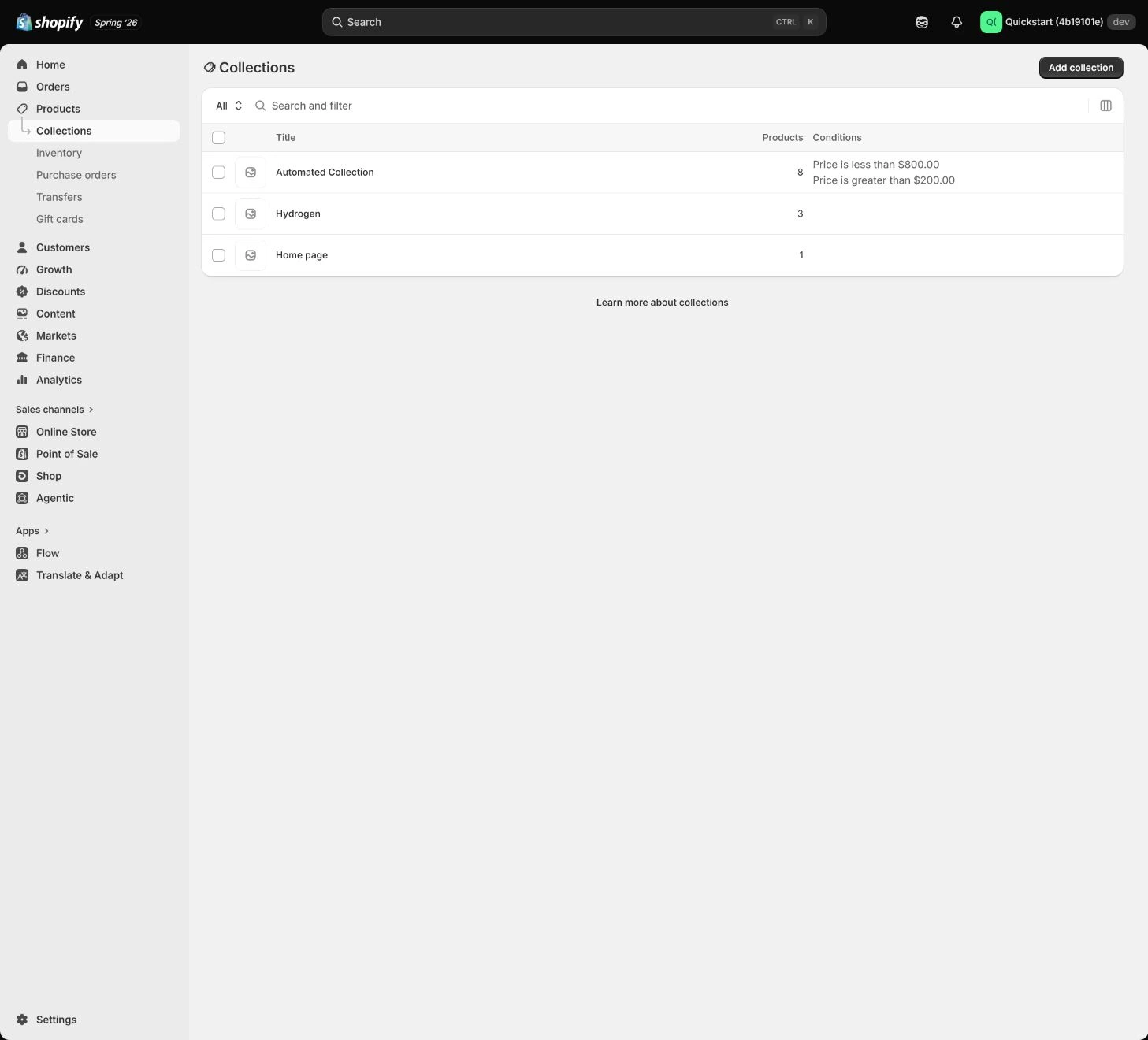
Choose real products for the first automated collection and use a stable product type or another owned field. Use a controlled tag only for a temporary campaign, with an owner for adding and removing it; verify description, sorting, navigation, and filters against the sellable catalog.
Use the admin path above, then apply it to one concrete situation.
Use this lesson in your store
By the end, you should have: A minimum viable catalog with collections such as All Products, Desk Organization, and New Arrivals, including automation rules, URLs, sorting, images, and storefront entry points.
Relevant admin path: Products > Collections and Search & Discovery
Make the decision before reading the reason
Choose the action that solves the problem first, then read the explanation.
Confirm these items in your store
Check each item against the current store; this checklist does not save settings or run tests.
This screen still cannot tell you: A correct current automated collection does not prove future classification or feed/search-platform synchronization
Continue when: field responsibilities are documented, collection conditions are explainable, and sorting, navigation, filters, and current product results are verified
Stop when: If automation relies on ad-hoc tags, one field carries multiple meanings, or current products are misclassified, repair the field rules first
Next: Next, duplicate the theme and establish a safe customization, preview, publish, and rollback flow.
Complete the decision or checks first. When information is missing, a pause is safer than guessing a pass.
Decisions to confirm here
Enter the actual values for this store row by row. Do not treat examples or planned values as completed work. Mark a row passed only when the condition and saved or tested evidence are present.
| Item | Recommended setting | Why |
|---|---|---|
| Launch collection | Desk Organization | Matches a clear customer shopping task |
| Manual collection | Campaign or curated items | Content needs deliberate control |
| Automated collection | Stable category rule | Classifies new products automatically |
| Tags | Small operational markers | Does not replace category or product type |
Do not change these blindly
- Do not create many vague collections with one product each.
- Do not duplicate the same value across category, product type, vendor, and tags.
- Do not assume a collection automatically appears in navigation.
FAQ
Does a larger number of collections look more professional?
No. Start with a minimum catalog customers understand, that has products now and a reason to expand later; empty collections add maintenance and navigation noise.
Can automated collections rely only on tags?
A controlled tag can support a temporary campaign, but long-term rules should prefer stable category or product type with an assigned owner.
Why is a new collection missing from navigation?
Collections and menus are separate settings. Add the link in Content > Menus, then confirm the theme location and save result.
Conclusion and continue line
Catalog acceptance is not about having more collections. Customers should find the right products from navigation, the team should be able to expand with stable fields, and automated collections should not silently include or exclude products. Continue only when the minimum catalog, field ownership, rule matches, sorting, mobile display, and storefront entry have evidence.
Choose the next route by the problem