Search entry and reader questions
Shopify Markets setup: verify one market before expanding language, currency, and domains
This guide gives Shopify merchants a reviewable Markets route: confirm the Primary market and real service coverage, then check pricing, language, domain, Catalog, and target-country checkout. Official pages explain product entry points and rules; they do not replace this store’s payment, tax, shipping, translation, or support results.
What are Primary market and Active markets responsible for in Shopify Markets?
Does an Active market mean customers in that country can place an order?
How do Shopify store currency, market currency, and fixed prices differ?
When is a new language ready to publish after automatic translation?
How should domains, subfolders, and Catalog map to markets and product availability?
Why is a storefront currency toggle not a complete market acceptance test?
How should shipping, tax, policies, and checkout be read back together for a target country?
Which Markets evidence should be redacted before team review?
Official sources and readback boundaries
These pages help confirm official Markets, language, Catalog, and domain entry points. They cannot prove that this store is ready for target-country payment, tax, shipping, translation, policy, or support; an authorized owner must read each result back while redacting store domains, customer addresses, orders, and sensitive pricing.
Phase 4 · Markets and data
Markets, Languages, and Currencies: Prove One Market Before Expanding
Choose a serviceable Primary market, control Active markets, set Currency, Pricing, and Languages, then verify Domain, Catalog, and the real target-country checkout path.
What counts as complete
Use Settings > Markets to reach the correct page, then configure, save, verify, and record the result. Completion means you can point to the saved state, verification result, and condition for continuing.
- Admin path
- Settings > Markets
- Output to keep
- A market evidence sheet covering Primary and Active markets, currency and pricing, language publish, domain, Catalog, shipping, tax, and target-country testing.
- Continue when
- The market is serviceable, currency/pricing are coherent, language resources are ready, Domain/Catalog align, and the target country reaches pre-payment.
- Stop when
- Keep a market inactive and record the blocker when it can browse but cannot complete shipping or payment, or when critical content and support are not translated.
Evidence boundary: An Active market status or correct preview does not prove local payment, tax, logistics, translation, or support; test and read back each target market separately.
Why this step comes now
A market setup joins product, price, currency, language, domain, shipping, tax, policies, and support in one service chain. Prove one market first so problems stay within a controllable scope.
Prepare before opening the admin
- Define the market covered by launch marketing, fulfillment, payment, and support.
- Prepare product, pricing, language, domain, shipping, and policy drafts.
- Prepare a target-country address and controlled preview/incognito environment.
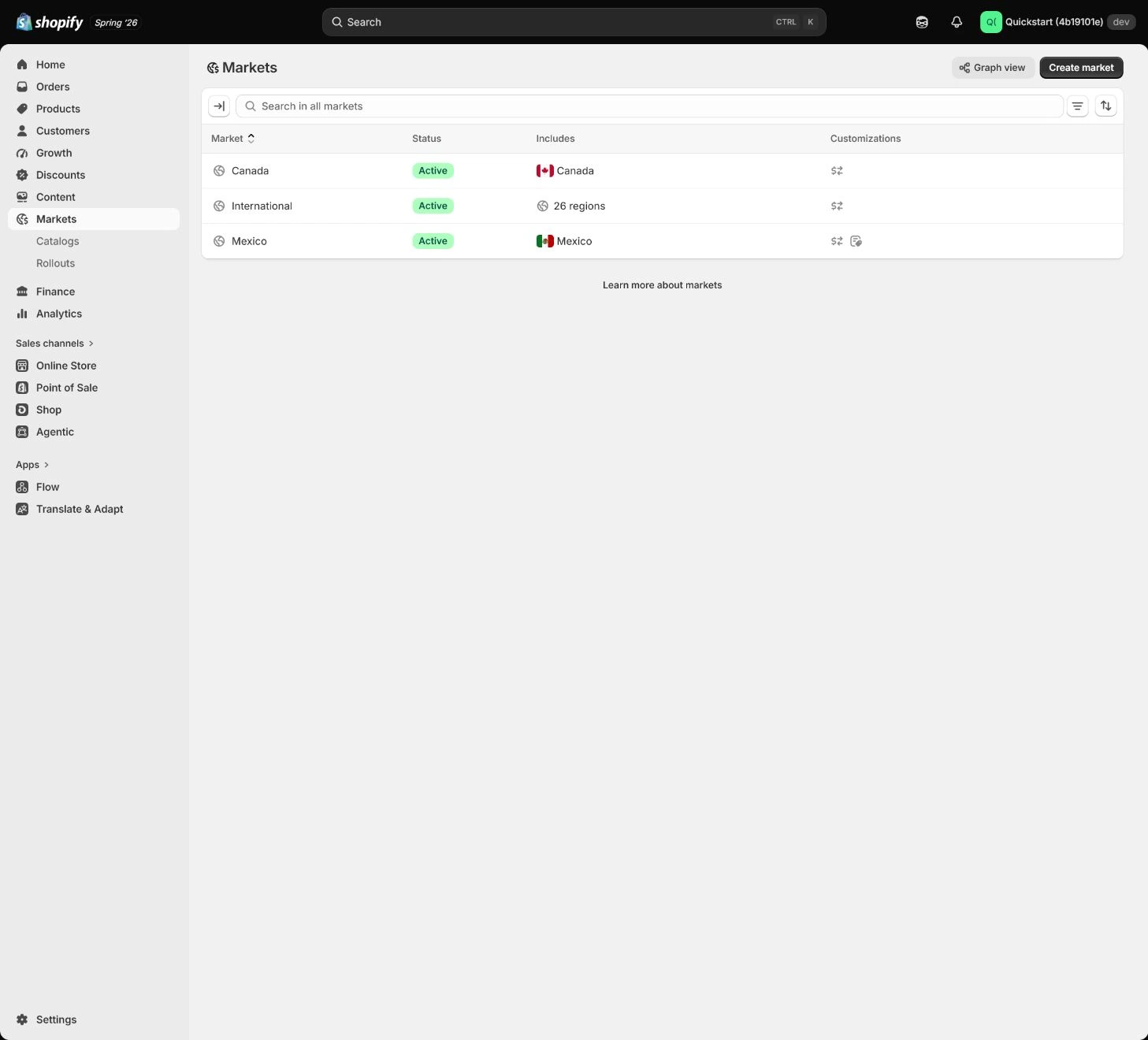
Follow the English admin step by step
After each step, refresh the admin or verify the storefront. A saved admin state does not automatically prove the customer-facing result.
Verify the Primary market
Open Settings > Markets and confirm the Primary market matches launch marketing, fulfillment, payment, and support capability. Treat it as the first complete operating chain to verify.
Expected result: Have alignment between launch market, product scope, payment, and fulfillment capability.
Completion standard: The target market has a testable path from product and price through shipping to checkout.
If the result is missing or wrong: If the launch market cannot be served, inspect shipping zone, payment, tax, inventory, and support before changing the market setting.
Evidence to keep: Record market, product availability, shipping, payment, and time without exposing customer or financial data.
Keep only Active markets you can serve
An Active market needs product, pricing, payment, shipping, tax, translation, and support coverage. Do not activate countries the business cannot fulfill; keep them inactive and record blockers.
Expected result: Have a list of serviceable markets and blockers for every inactive market.
Completion standard: Every Active market has an explainable service owner and inactive markets do not mislead customers into checkout.
If the result is missing or wrong: When a country can browse but cannot check out, inspect market active state, shipping zone, currency, product availability, tax, and address requirements.
Evidence to keep: Keep market state, blockers, owner, and next review date. Active does not prove local readiness.
Failure handling: If a market has price display but no shipping or support, do not call it a completed market.
Set Currency and Pricing
After checking store currency, market currency, fixed prices, and conversion, set display currency for the chosen market. Do not enable multi-currency before margin and payout assessment; test consistency from product to cart to checkout.
Expected result: Have a decision covering market currency, fixed/conversion pricing, margin, and payout.
Completion standard: Product, cart, and checkout do not switch currency inexplicably within one market.
If the result is missing or wrong: When currency differs, check store currency, market currency, fixed price, payment provider, and cache, then retest the same market.
Evidence to keep: Record test URL, currency, pricing mode, conversion time, and margin decision.
Set Languages and translation state
Launch in the language the team can support (English in this example). Publish another language only when body copy, menus, policies, notifications, and support are ready; translation apps cannot replace policy and product-fact review.
Expected result: Have published languages, untranslated resources, and coverage for menus, policies, and notifications.
Completion standard: The target language does not leave critical original-language content across products, collections, navigation, policies, notifications, and checkout.
If the result is missing or wrong: If menus or policies remain in the original language, check language publish state, resource coverage, and market domain before incognito testing.
Evidence to keep: Keep language state, untranslated resources, storefront path, and reviewer.
Failure handling: Do not publish a new language before facts, policies, and support are ready just to create a coverage illusion.
Check Domain and Catalog
Choose a primary domain, subdirectory, or subdomain strategy and check Catalog, product prices, and availability. Do not create a market without publishing products or send every market to one wrong path.
Expected result: Have alignment between market URL, domain, Catalog, products, and prices.
Completion standard: Products opened from the market entry use the correct catalog, price, and language path.
If the result is missing or wrong: When products or domains are wrong, inspect domain, Catalog, market availability, canonical, and cache separately instead of only changing storefront language.
Evidence to keep: Record redacted URL, market domain, Catalog, product, and price checks.
Test from the target-country perspective
Use market preview or controlled location to check home, collection, product, price, language, shipping, tax, policies, and checkout. Record final URL, currency, and rate; do not rely on a currency-button toggle.
Expected result: Have a complete target-country test from entry to pre-payment with failure handling.
Completion standard: Target-country price, language, shipping, tax, policies, and checkout all have actual returns.
If the result is missing or wrong: When preview differs from reality, clear cache and confirm market domain, Catalog, payment, shipping zone, and language publish state.
Evidence to keep: Keep target country, device/browser, final URL, currency, shipping, tax, and test time.
Failure handling: If the target country browses but cannot check out, keep the market inactive or record the blocker instead of treating preview success as launch readiness.
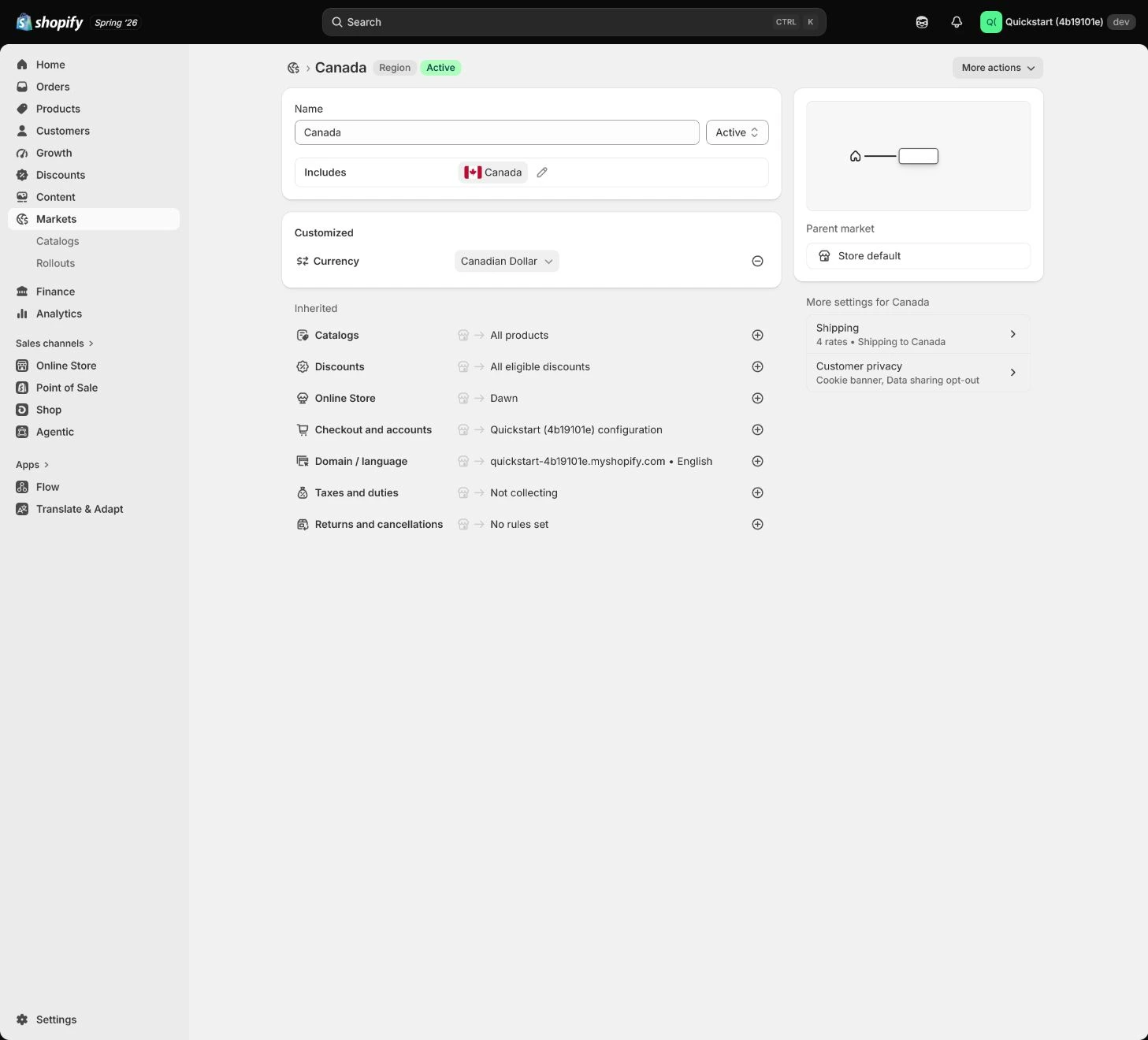
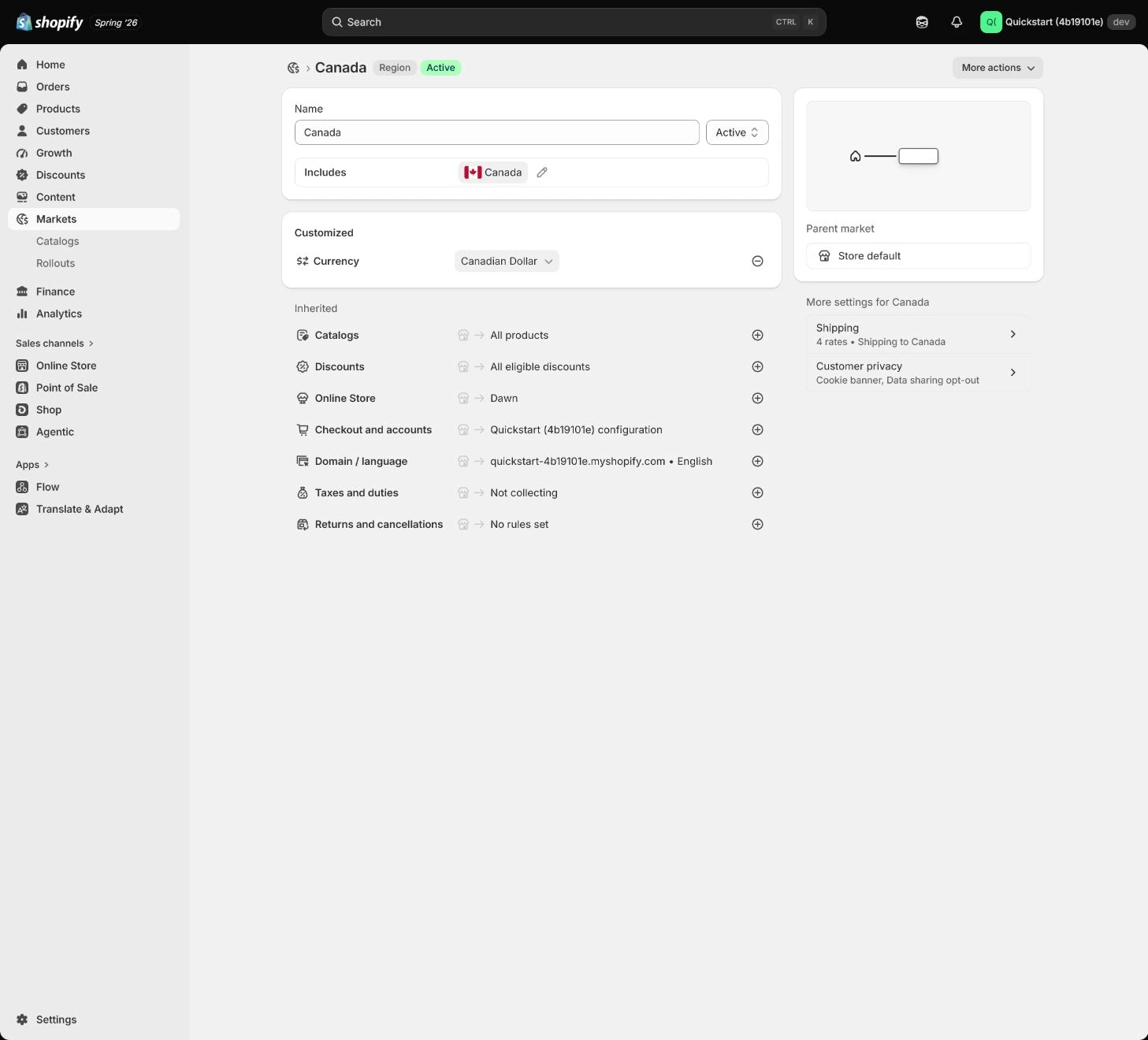
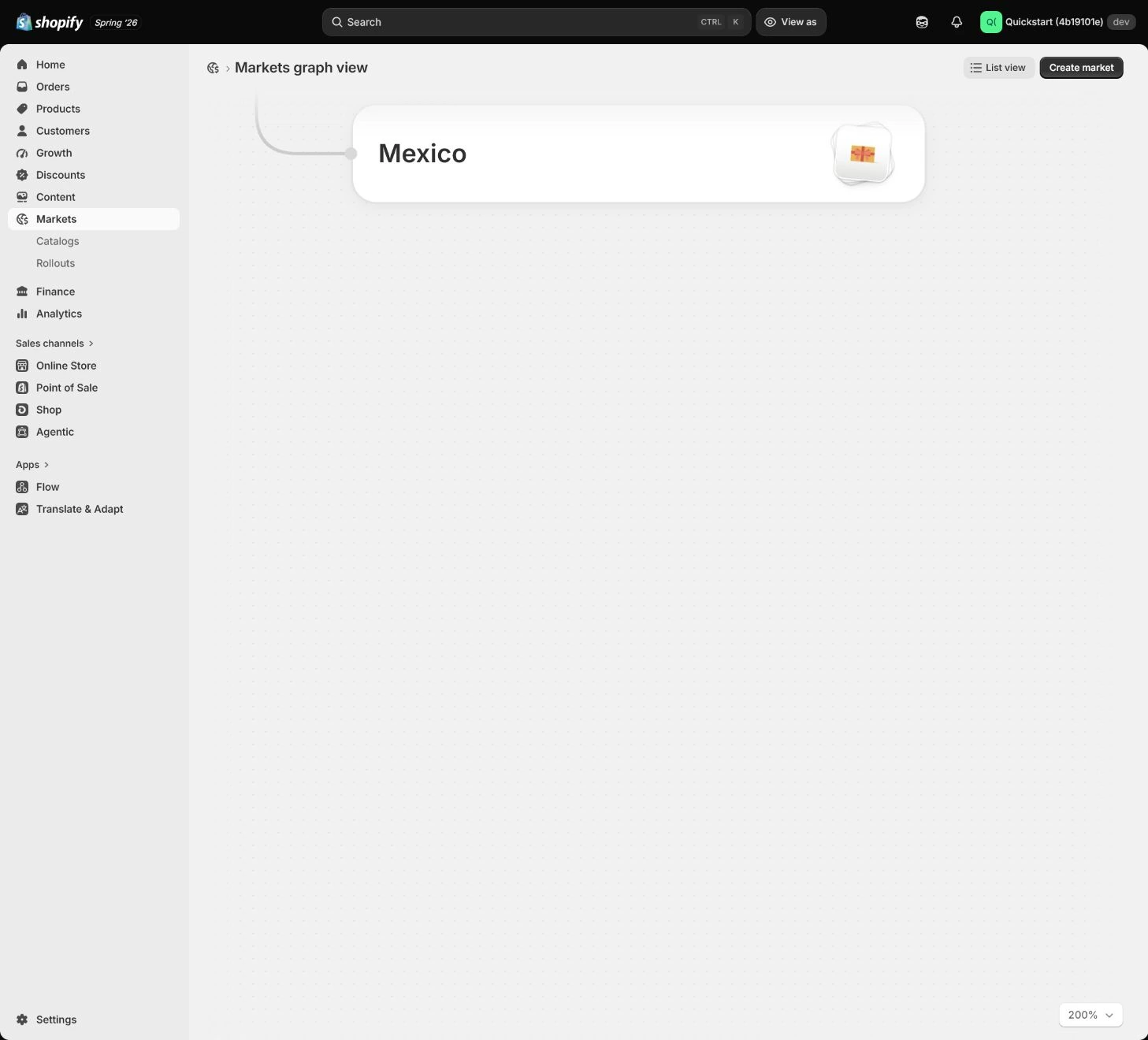
Apply the decision in your store
Set the market the business can truly serve as Primary, keep other countries inactive, and record payment, shipping, tax, returns, translation, and support blockers. Run a target-country address through checkout up to payment before activating.
Use the admin path above, then apply it to one concrete situation.
Use this lesson in your store
By the end, you should have: One active US Primary market, other markets inactive, complete USD and English experience, and evidence for Catalog, domain, product availability, and test address.
Relevant admin path: Settings > Markets
Make the decision before reading the reason
Choose the action that solves the problem first, then read the explanation.
Confirm these items in your store
Check each item against the current store; this checklist does not save settings or run tests.
This screen still cannot tell you: Active market status or a correct preview does not prove local payments, tax, logistics, translation, and support are operational
Continue when: the Primary market has consistent product, price, currency, language, domain, shipping, and policies, and a target address reaches pre-payment
Stop when: If a market lacks a critical payment, shipping, tax, policy, or maintainable-translation condition, do not activate it for appearance
Next: Next, verify Notifications and sender identity, separating template previews from real order triggers.
Complete the decision or checks first. When information is missing, a pause is safer than guessing a pass.
Decisions to confirm here
Enter the actual values for this store row by row. Do not treat examples or planned values as completed work. Mark a row passed only when the condition and saved or tested evidence are present.
| Item | Recommended setting | Why |
|---|---|---|
| Primary market | Market aligned with launch and fulfillment | Proves one complete operating chain first |
| Active markets | Only markets the business can serve | Avoids countries that cannot check out |
| Currency / pricing | Margin and payout assessed | Avoids unworkable displayed pricing |
| Languages | Facts, policies, and support ready | Avoids mixed language in critical pages |
| Domain / Catalog | Domain, catalog, and product availability align | Avoids a market entry reaching the wrong products or path |
| Target-country test | Price, shipping, tax, policies, and checkout read back | Avoids treating preview or a currency toggle as launch evidence |
Do not change these blindly
- Do not activate markets merely to increase country coverage.
- Do not treat a storefront currency toggle as a full market test.
- Do not publish a new language before policies, product facts, and support are ready.
FAQ
Does Active in Markets mean launch-ready?
No. Verify products, prices, payment, shipping, tax, language, domain, policies, and checkout.
Can a storefront currency toggle test a market?
No. Start from the target-country entry and verify URL, Catalog, price, shipping, tax, policies, and pre-payment path.
Can we publish after automatic translation?
Do not equate them. Review policies, product facts, menus, notifications, and support before publishing.
Conclusion and continue line
Market acceptance requires a readback of one target country from entry, product, Catalog, price, language, shipping, tax, and policies through checkout. Continue when Active markets have real service ownership and unready countries remain inactive.
Choose the next route by the problem