Text version of this lessonExpand
Phase 1 Account and store foundations
Understand Shopify plans, billing cycles, payment methods, billing profile, app charges, and invoices, then build the store's first monthly technology budget.
Settings > Plan and Settings > Billing40 minutes
Phase 1 Account and store foundations
Why this lesson comes now
Most stores are not made expensive by the base plan alone. Small app subscriptions, usage charges, and duplicate tools gradually raise cost. Billing also defines who sees invoices, who owns payment failures, and how charges are reviewed. Set the budget boundary before apps are installed.
What you should have at the end
A monthly technology cost sheet covering the Shopify plan, domain, email, theme, required apps, optional apps, usage charges, billing owner, and cancellation dates.
Prepare before opening the admin
- Confirm launch-stage staff, inventory locations, and reporting needs.
- Prepare a company payment method and billing details aligned with the entity.
- List every app currently planned. Do not install an app whose job is unclear.
Follow the English admin step by step
After each step, refresh the admin or verify the storefront. A saved state in admin does not automatically prove the customer-facing result.
Review the current plan and trial status
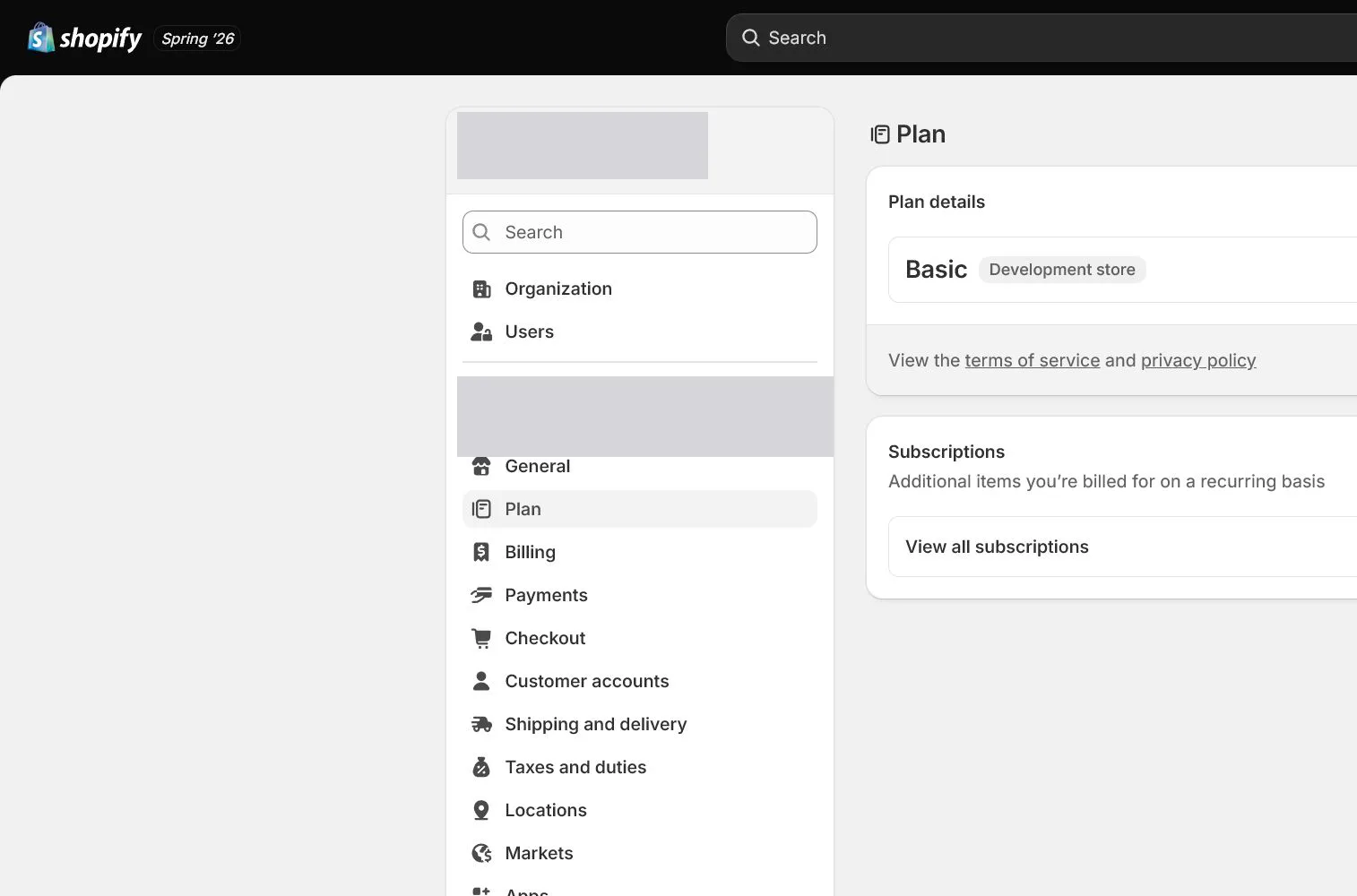
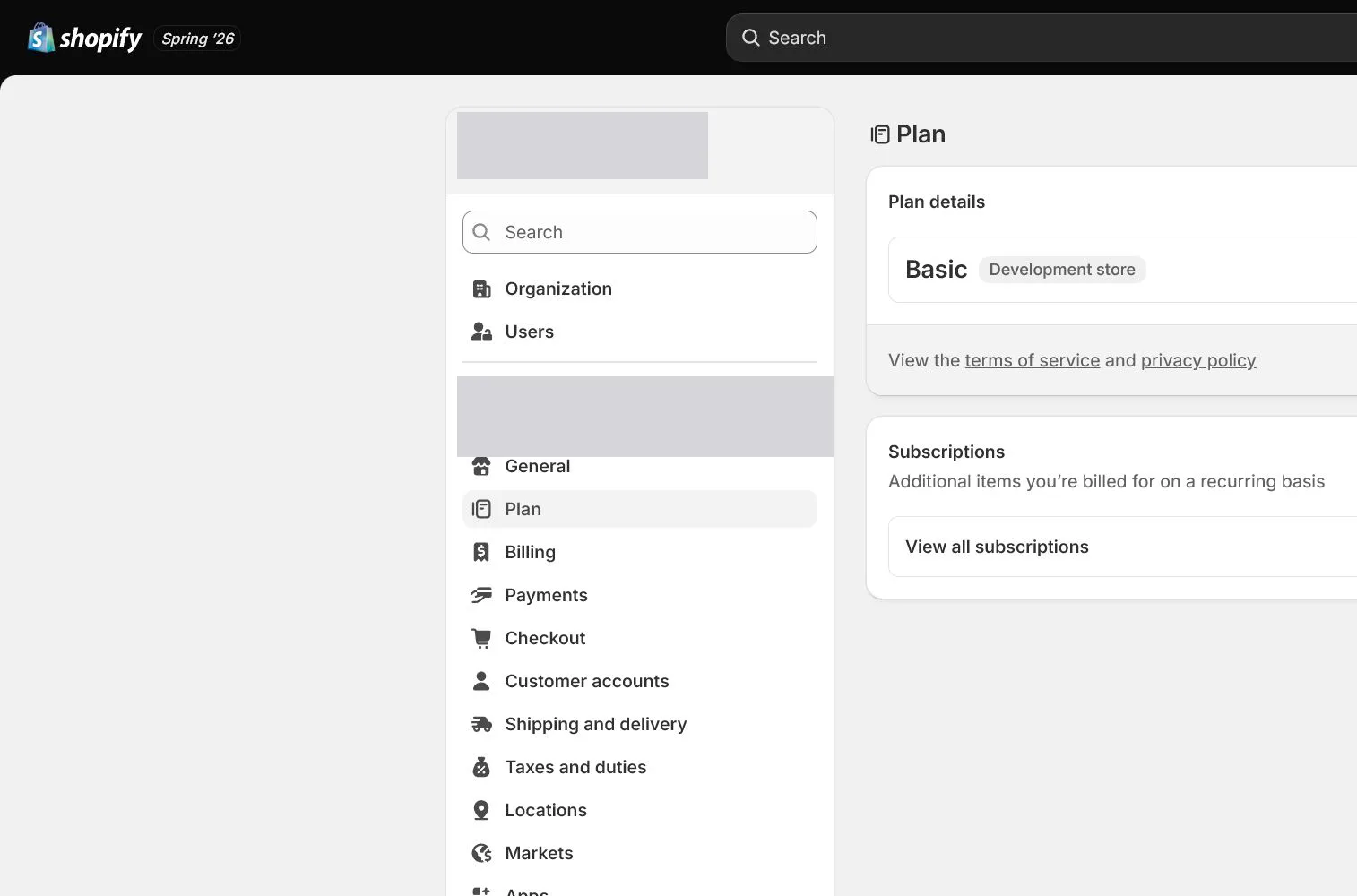
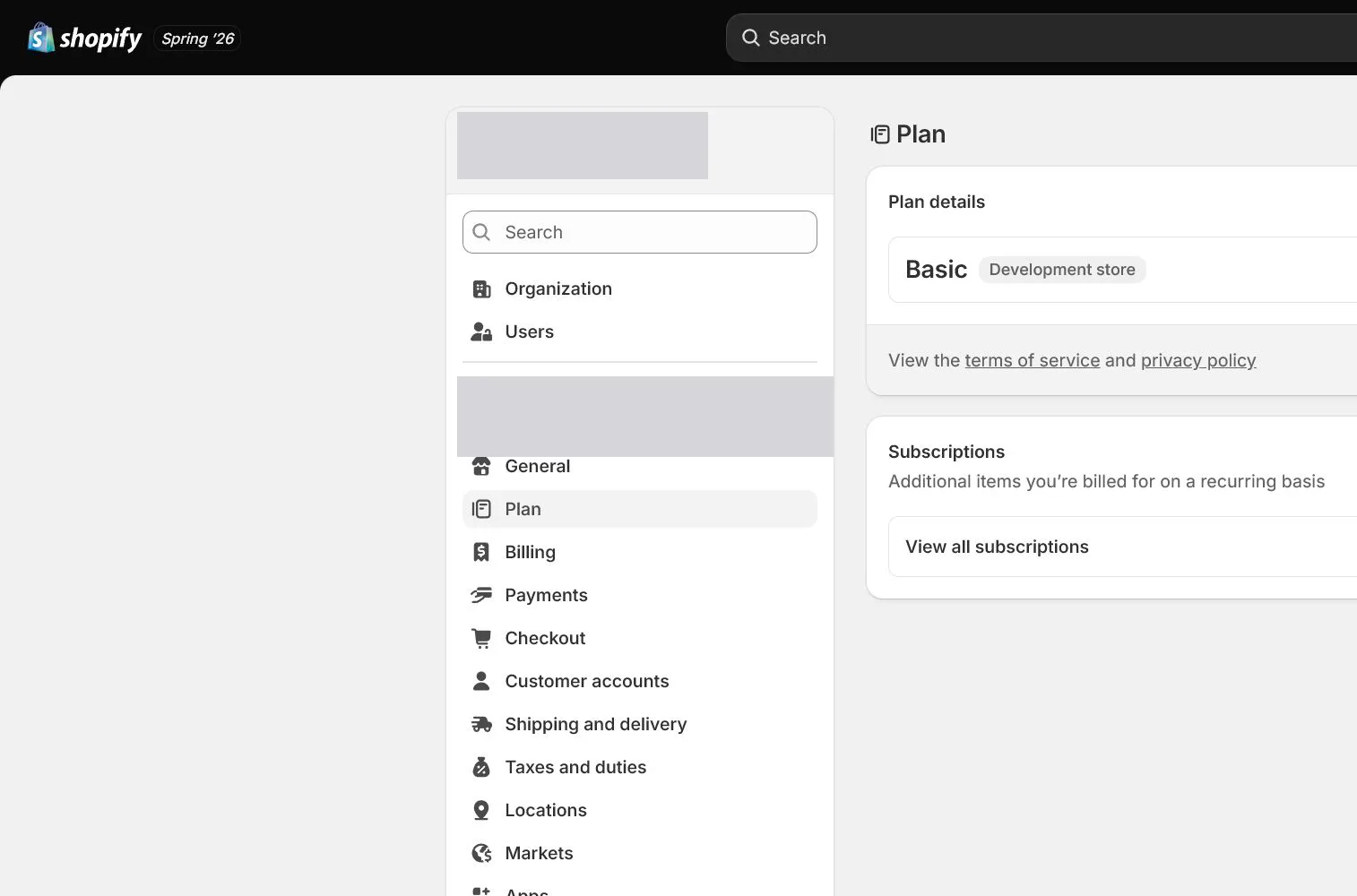
Open Settings > Plan and record the current plan, trial end, and next charge date. Do not compare only monthly price; check whether staff, reports, shipping, or checkout capabilities actually require an upgrade.
Define business conditions for plan choice
Use order volume, team size, reports, and required features to define an upgrade trigger. Upgrade only when fee savings or needed capability exceeds the price difference, not because the admin recommends it.
Complete the billing profile
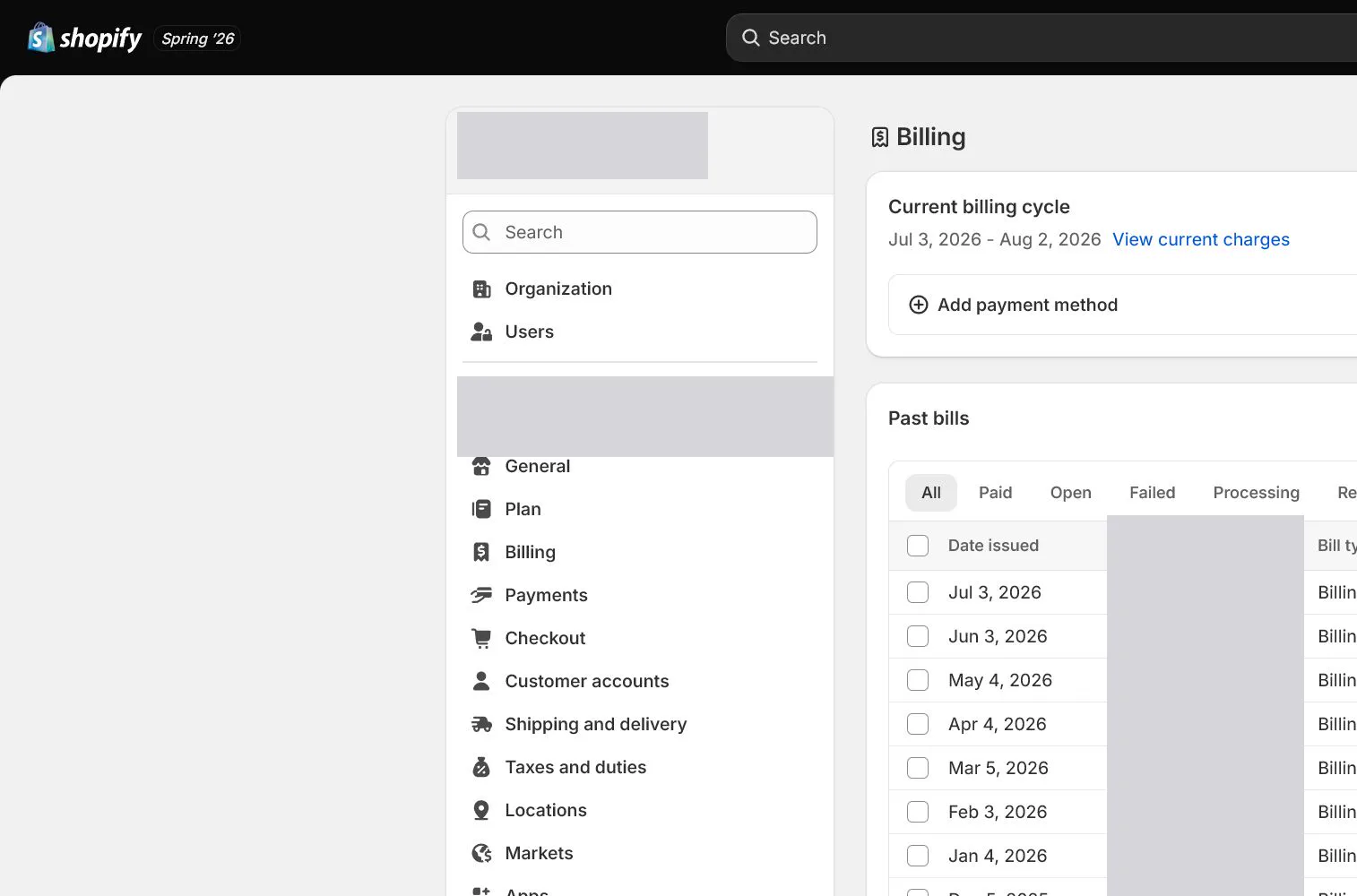
Open Settings > Billing and verify billing information, payment method, and billing contact. The payment method should belong to the company or have explicit reimbursement ownership, not remain on a temporary employee's card.
Read charge categories and timing
Separate Shopify subscription, app charges, shipping labels, transaction fees, and other charges. Record the billing cycle rather than assuming the bank settlement date is the invoice date.
Create an app approval gate
Before a paid app is installed, record what it replaces, subscription or usage fee, data permissions, trial end, success metric, and uninstall condition. Test one app when two products solve the same job.
Download invoices and schedule monthly review
Confirm invoice identity and tax information fit company accounting, then save a sample. Review apps and bills monthly. When removing a tool, also handle data export and leftover code.
How North & Pine configures it
North & Pine separates Shopify plan, domain email, reviews, email marketing, and support tools in the budget. Review and email apps are not installed before their jobs are needed. Every trial has an end date, invoices go to finance, and the owner reviews cost changes monthly with finance.
Decisions to make in this lesson
| Decision | Recommended setting | Why |
|---|---|---|
| Base plan | Match current needs | Pay for an upgrade only after a real capability gap is proven |
| Billing method | Company controlled | Avoid service interruption from offboarding or reimbursement |
| Required app budget | Approve one by one | Every app needs a job and exit condition |
| Review cadence | Monthly | Catch duplicate subscriptions and usage spikes |
Do not change these blindly
- Do not upgrade for a feature that is not being used.
- Do not leave app trials without an owner and let them charge automatically.
- Do not review only the card total; separate charges in Shopify Billing.
Completion standard
The lesson is complete only when every item below has evidence. Saying that the page was reviewed is not acceptance.
- Plan, trial end, and next billing date are recorded.
- Billing details match the entity and the company controls payment.
- Every planned app has cost, permissions, metric, and exit condition.
- Invoice storage and ownership are clear.
- Monthly billing review is scheduled.
Common failures and fixes
| Symptom | What to do |
|---|---|
| An unknown app charge appears | Identify the app and time in Billing, then check installation owner, plan, and uninstall status in Apps. |
| The company card payment fails | Update the payment method, clear outstanding bills, check for service restrictions, and retain the resolution record. |
| Costs did not improve after an upgrade | Return to the written upgrade condition and calculate actual fee or workflow savings. Evaluate downgrade if the target was not met. |
Frequently asked questions
Which Shopify plan should a new store choose?
Choose the lowest plan that meets actual launch needs. After order and fee data exists, calculate whether an upgrade creates measurable savings or required capability.
Can an app charge after it is deleted?
It depends on billing cycle, approved charges, and uninstall timing. Review the app's billing terms before removal and confirm future bills in Billing afterward.
Can Shopify invoices be used for accounting?
They can generally support expense records, but invoice identity, tax numbers, and local accounting requirements must be confirmed by finance. This course is not accounting advice.
Official sources
Admin labels and rules change. These official pages are the maintenance baseline, and every screenshot must be checked against the current English admin.