Text version of this lessonExpand
Phase 1 Account and store foundations
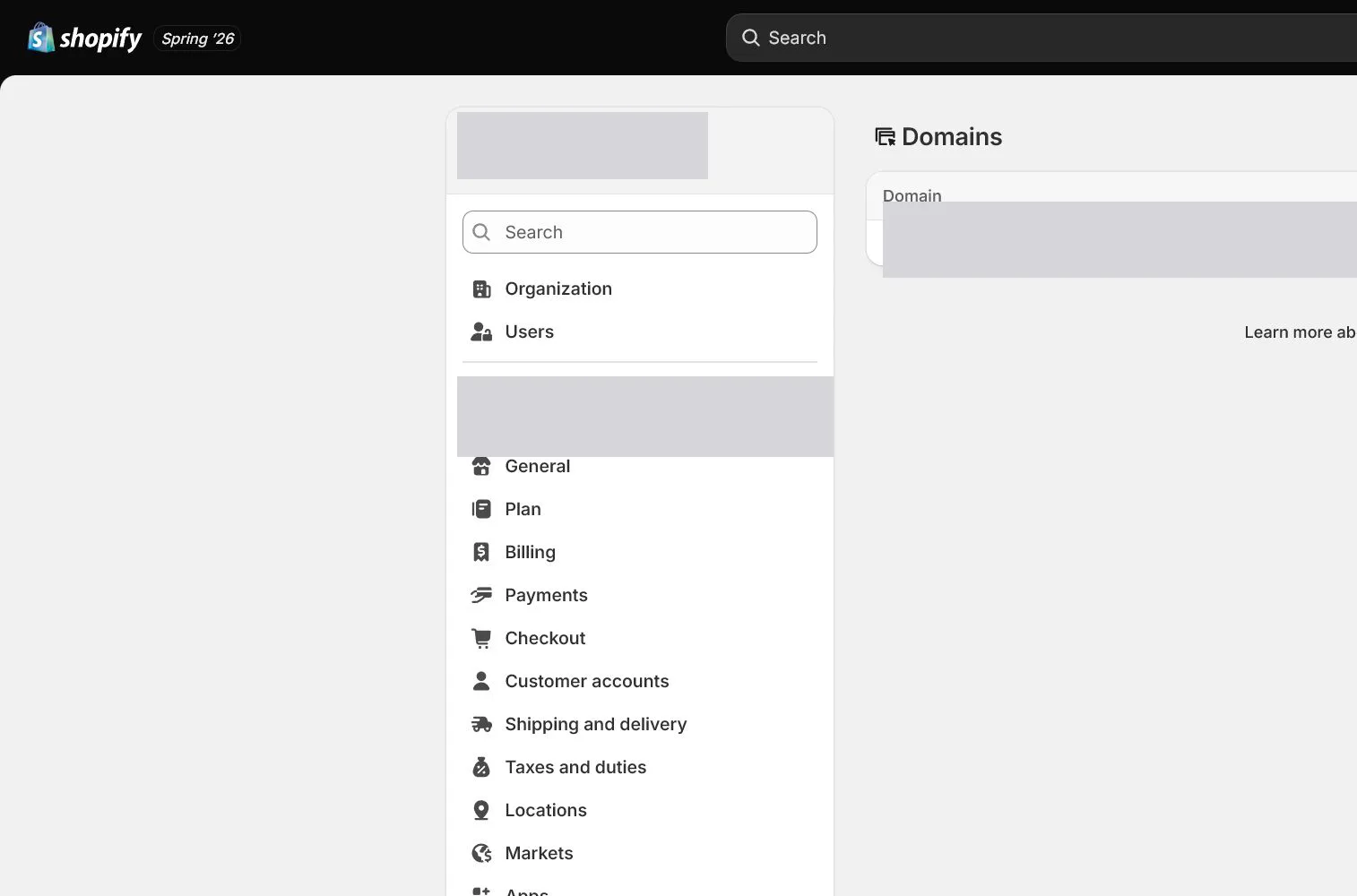
Connect the brand domain, set the primary domain and redirects, separate email hosting from forwarding and Shopify sender email, then verify SPF and DKIM-related authentication.
Settings > Domains and Settings > Notifications70 minutes plus DNS propagation time
Phase 1 Account and store foundations
Why this lesson comes now
A domain loading in a browser does not mean domain work is complete. A store must verify the primary domain, HTTPS, www and apex redirects, renewal owner, and DNS ownership. Business email is separate because Shopify does not provide full mailbox hosting. A sender address appearing in notifications also does not prove SPF or DKIM authentication. Validate domain and sending paths separately.
What you should have at the end
A domain and email evidence pack covering registrar, renewal owner, DNS records, primary domain, redirects, TLS, mailbox hosting, support inbox receipt, Shopify sender address, and authentication status.
Prepare before opening the admin
- Prepare a brand domain. The course uses northandpine.example; do not expose a real domain in public screenshots.
- Confirm who can access the registrar and DNS provider and enable their 2FA.
- Choose an external mailbox host and create role addresses such as owner, support, and finance.
Follow the English admin step by step
After each step, refresh the admin or verify the storefront. A saved state in admin does not automatically prove the customer-facing result.
Connect or purchase the domain
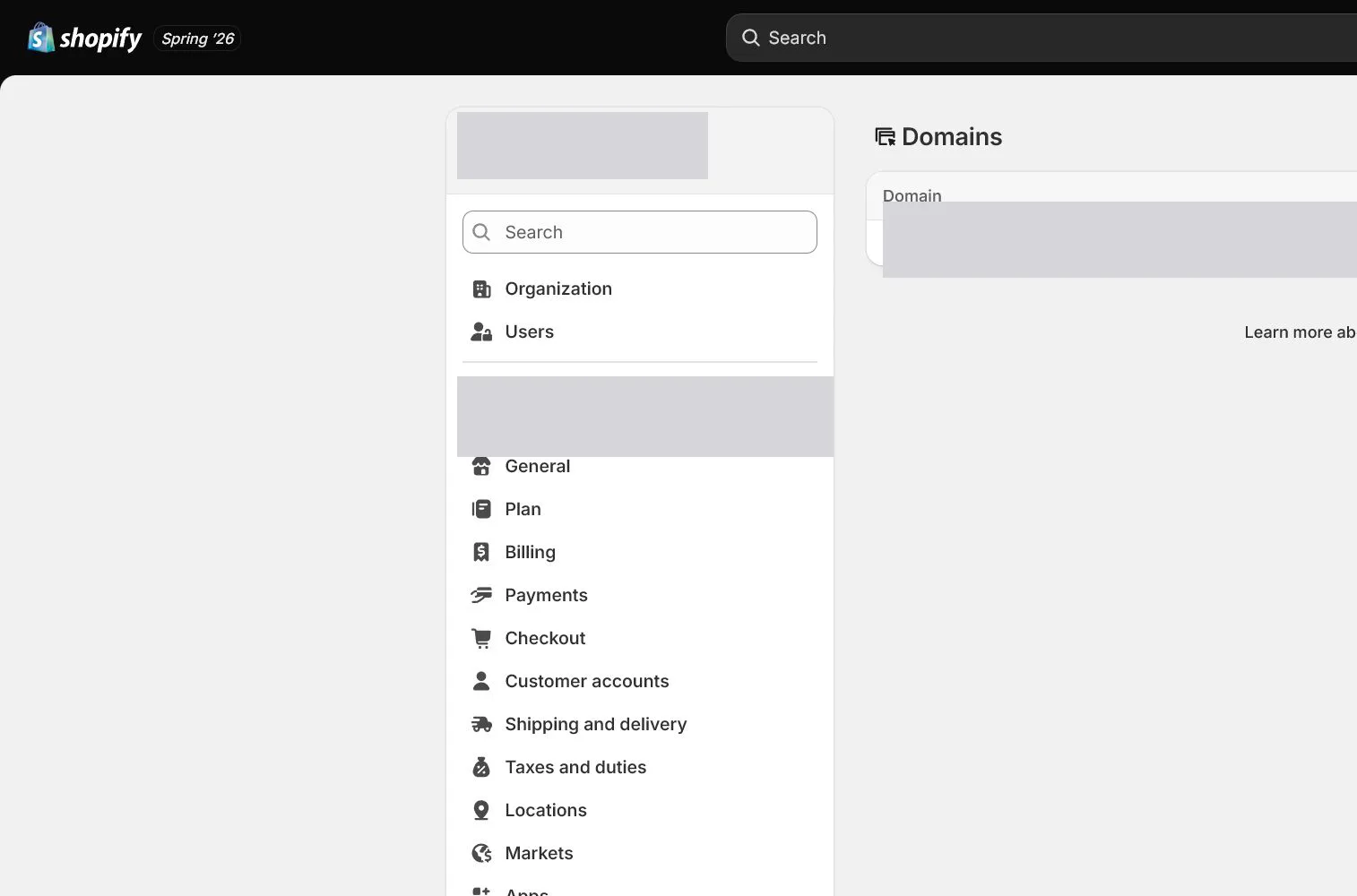
Open Settings > Domains and connect an existing domain or buy a new one. For an existing domain, apply the records Shopify provides and remove conflicting A, AAAA, or CNAME records only after exporting the current zone.
Wait for and verify connection status
DNS may not update immediately. Return to Domains to check connection and TLS, then test apex, www, and myshopify.com in a private window rather than relying on one cached browser.
Set the primary domain and redirects
Set the brand domain as Primary and ensure other Shopify domains redirect to it. Verify that paths and query parameters are preserved rather than sending every old link to the homepage.
Create real business mailboxes
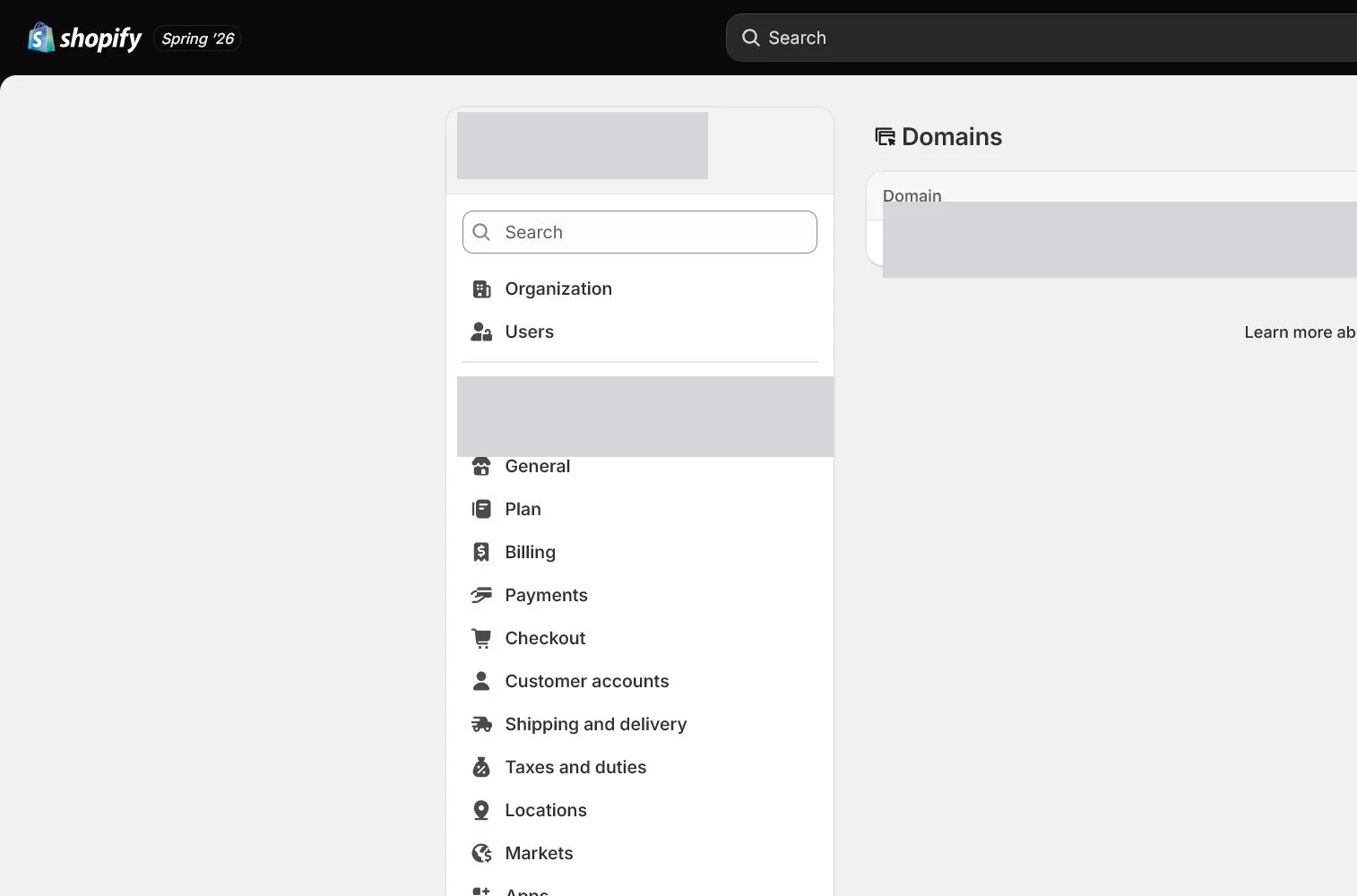
Create addresses such as [email protected] with an external email host. Shopify email forwarding handles incoming forwarding and is not a complete sending or mailbox service. Test both inbound and outbound mail.
Set the Shopify sender email
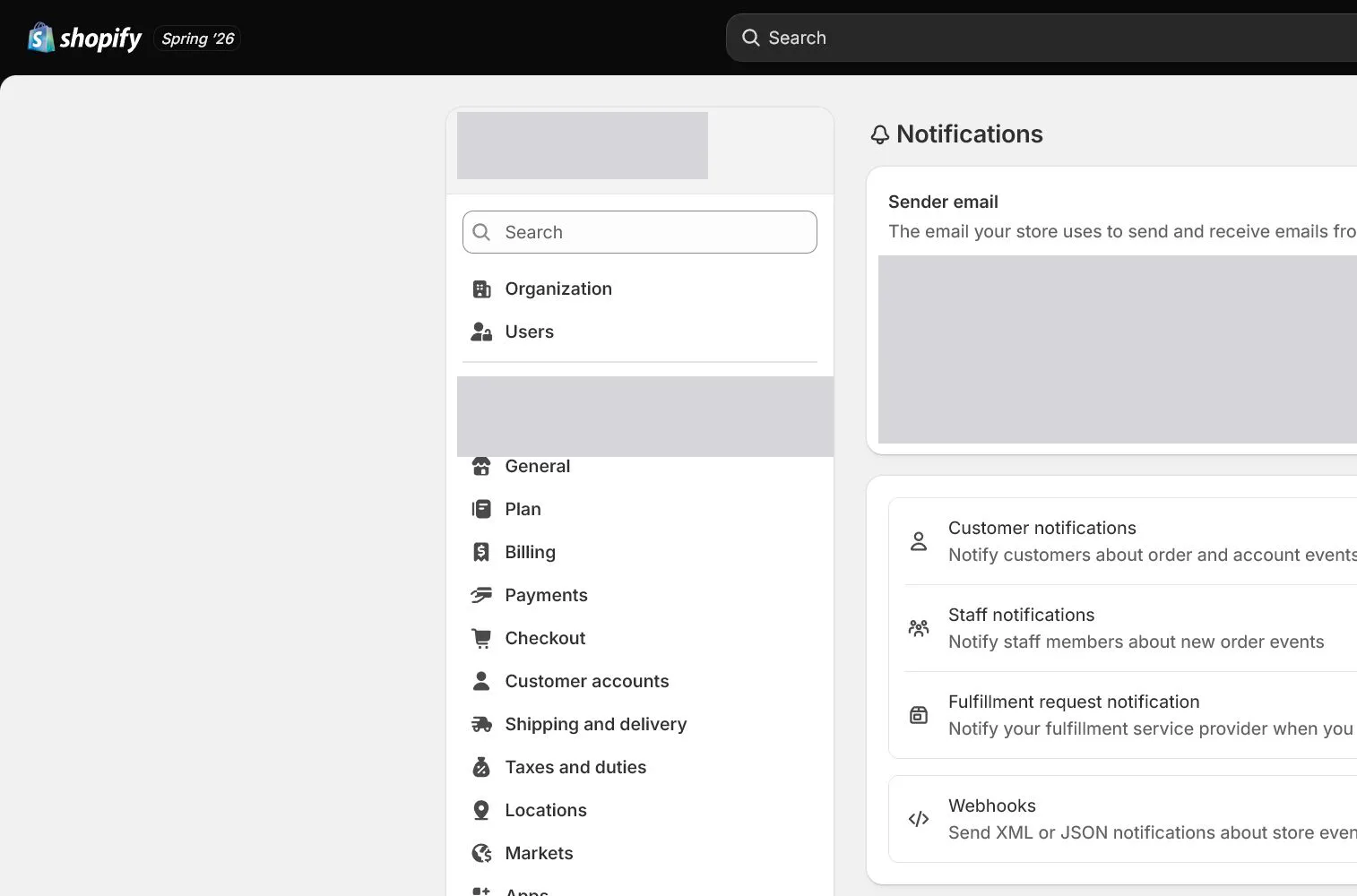
Open Settings > Notifications and find Sender email or the corresponding sending setting. Use an address customers can reply to and the team monitors. Send a test and inspect From, Reply-To, and spam placement.
Complete SPF, DKIM, and renewal acceptance
Add authentication records provided by Shopify and the mailbox host. Avoid multiple SPF records and wait for status updates. Record registrar renewal, domain expiry, mailbox billing, and DNS-change ownership in the asset sheet.
How North & Pine configures it
North & Pine makes northandpine.example the primary domain and redirects www and myshopify.com to it. A third-party provider hosts mail, and the support address receives replies and serves as the Shopify notification sender. Domain and email accounts use 2FA, and renewal dates are tracked.
Decisions to make in this lesson
| Decision | Recommended setting | Why |
|---|---|---|
| Primary domain | Brand domain | Public links and canonical URLs use one domain |
| Mailbox hosting | Third-party provider | Shopify does not provide full mailbox hosting |
| Sender email | Reply-capable support address | Customer replies enter a real support workflow |
| DNS ownership | Two recoverable custodians | Avoid domain lock-in to one person or agency |
Do not change these blindly
- Do not delete the entire DNS zone and rebuild it from memory.
- Do not treat email forwarding as a full business mailbox.
- Do not expose real domains, email addresses, DNS verification values, or account IDs in screenshots.
Completion standard
The lesson is complete only when every item below has evidence. Saying that the page was reviewed is not acceptance.
- Primary, www, and myshopify.com routes are tested.
- TLS is healthy with no certificate warning.
- The support mailbox can receive and send.
- Shopify test notification From and Reply-To are correct.
- Domain, DNS, mailbox, and renewal ownership are recorded.
Common failures and fixes
| Symptom | What to do |
|---|---|
| The domain remains disconnected | Compare current Shopify-required records, TTL, and conflicts, then allow propagation instead of repeatedly changing the zone. |
| Customer notifications land in spam | Check sender authentication, SPF/DKIM, From domain, and content, then test across major mailbox providers. |
| The support address receives but cannot send | Confirm that it is a hosted mailbox rather than forwarding only, and configure sending with the email provider. |
Frequently asked questions
Does Shopify provide business email hosting?
Shopify provides domain-related features and some forwarding capability, but not full mailbox hosting. A third-party email provider is normally required for reliable send and receive.
Must both www and the apex domain be used?
Choose one as the primary domain and redirect the other correctly so two public versions do not remain.
Why configure SPF and DKIM?
They help receiving systems verify authorized sending and reduce spoofing and delivery problems, although content, domain reputation, and list quality still matter.
Official sources
Admin labels and rules change. These official pages are the maintenance baseline, and every screenshot must be checked against the current English admin.