Text version of this lessonExpand
Phase 4 Markets and data
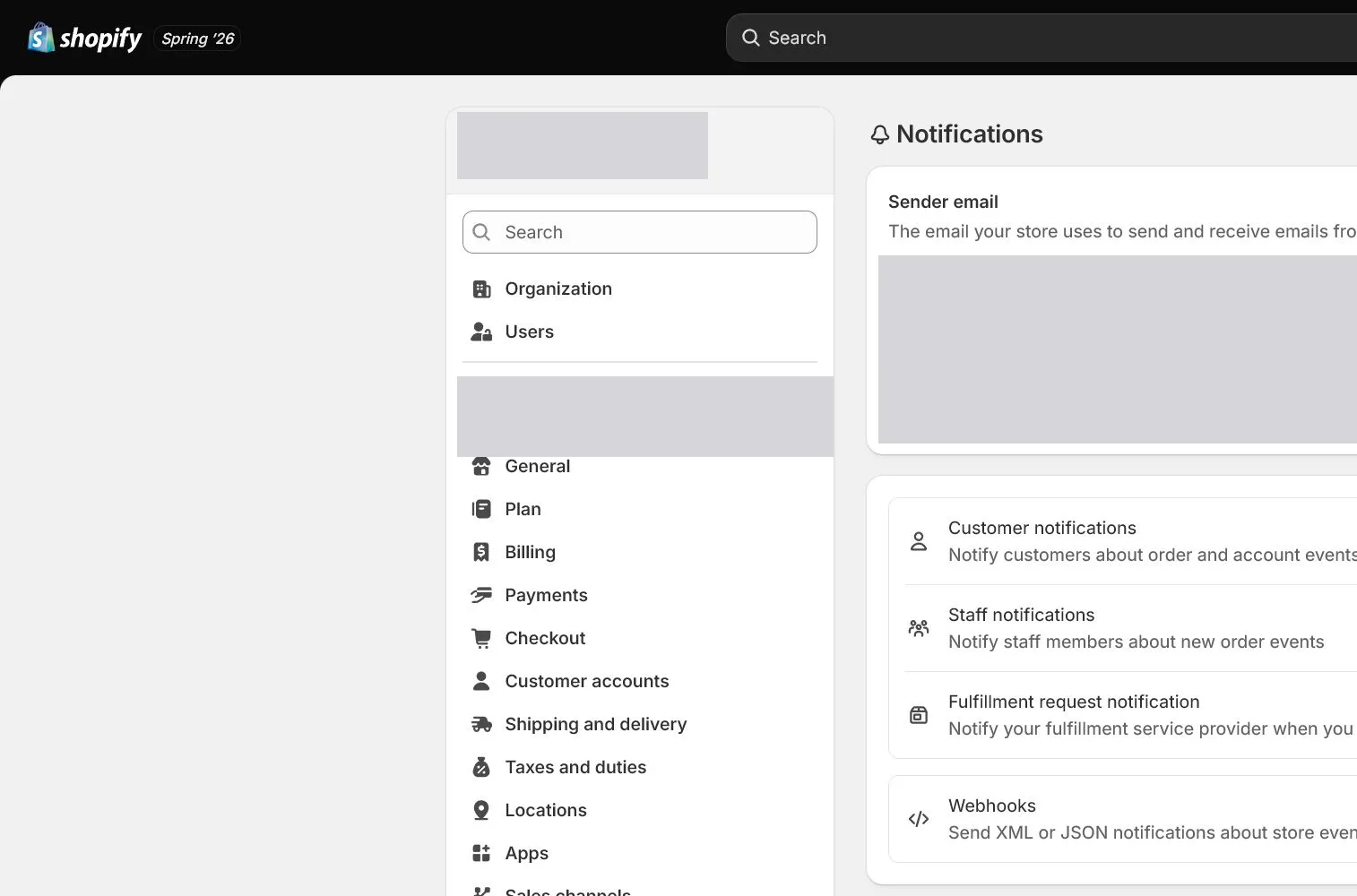
Review customer and staff notifications, sender email, branding, template variables, recipients, and language, send tests, and verify order, fulfillment, cancellation, and refund triggers.
Settings > Notifications75 minutes
Phase 4 Markets and data
Why this lesson comes now
A notification template existing in admin does not prove delivery. Sender domain, spam placement, variables, language, staff recipients, and order state affect outcomes. Sending one test email does not validate product, discount, tracking, and refund variables from a real workflow. Template preview and event-trigger tests must be separate.
What you should have at the end
A notification matrix listing trigger, recipient, From, Reply-To, language, test result, screenshot, and owner for every customer and staff message.
Prepare before opening the admin
- Domain, business mailbox, and Sender email are configured.
- Prepare different mailbox providers such as Gmail and Outlook.
- Have a test order that can be cancelled, fulfilled, and refunded.
Follow the English admin step by step
After each step, refresh the admin or verify the storefront. A saved state in admin does not automatically prove the customer-facing result.
Build the notification matrix
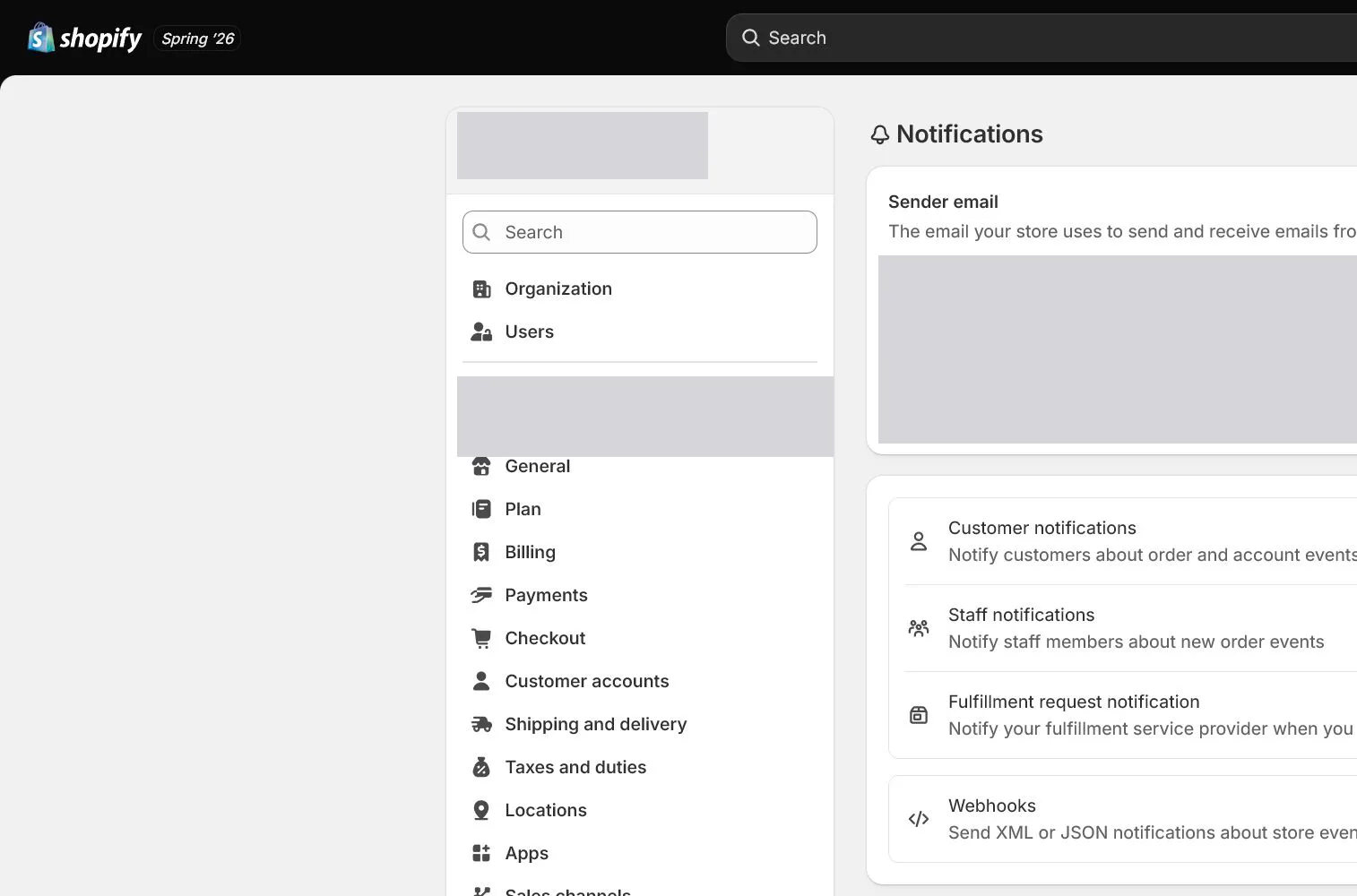
Open Settings > Notifications and list Order confirmation, Shipping confirmation, Shipping update, Cancelled, Refund, Customer account, and Staff notifications. Record trigger and owner for each.
Verify sender email and branding
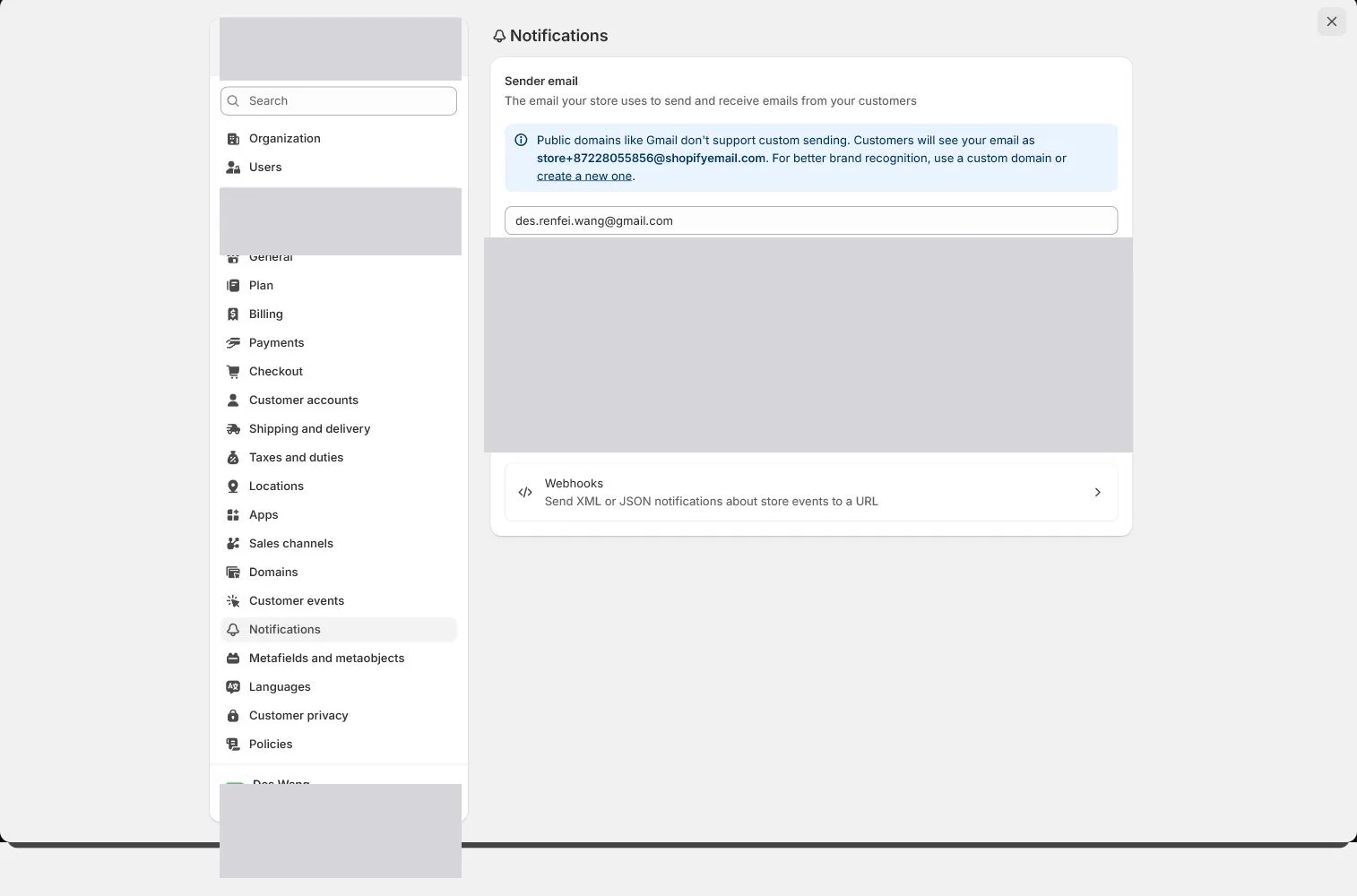
Confirm From and Reply-To route to support and that logo, colors, and store name match Brand. An authenticated status is necessary but still requires delivery testing.
Send template tests first
Use Send test email for each template and inspect subject, preview text, logo, buttons, footer, policy links, and mobile layout. Template tests validate presentation and fixed copy, not all live variables.
Review Liquid variables and customization
Back up the original before editing and keep changes small. Confirm that order, line_items, discount, tracking, refund, and other variables are available in the current template. Do not paste unknown large code blocks.
Trigger notifications with a real test order
Use a test order to trigger confirmation, fulfillment, tracking update, cancellation, or refund and inspect product, amount, address, tracking, and policy values. Confirm staff alerts reach current owners rather than former employees.
Check delivery and establish change control
Inspect Inbox, Promotions, and Spam across providers and test Reply-To. Record screenshots and available evidence such as Message ID. Any template change reruns the matrix and retains a rollback copy.
How North & Pine configures it
North & Pine tests Order confirmation, Shipping confirmation, Cancelled, and Refund in Gmail and Outlook. After template tests, one order triggers the actual messages. Tan variant, USD 39, USD 12 shipping, tracking link, and support Reply-To are correct, while staff alerts go only to operations and support.
Decisions to make in this lesson
| Decision | Recommended setting | Why |
|---|---|---|
| Sender email | Branded support mailbox | Customers can reply directly |
| Template edits | Small with backup | Reduces Liquid and update risk |
| Testing | Template plus live trigger | Validates presentation and business variables |
| Staff recipients | By responsibility | Avoid unnecessary order-data exposure |
Do not change these blindly
- Do not test only Order confirmation.
- Do not paste Liquid code that the team cannot explain.
- Do not leave staff notifications on former employee or personal addresses.
Completion standard
The lesson is complete only when every item below has evidence. Saying that the page was reviewed is not acceptance.
- All critical notifications are in the matrix.
- Sender, Reply-To, branding, and authentication status are correct.
- Template and live-trigger tests pass.
- Staff recipients are minimized by job.
- Change, retest, and rollback rules are established.
Common failures and fixes
| Symptom | What to do |
|---|---|
| Test email works but live variables are empty | Check real order state, variable scope, and custom code, comparing against the original template. |
| Customer replies go to an unmonitored mailbox | Correct Sender or Reply-To, send a new test, and reply from an external mailbox to confirm support receipt. |
| Shipping email has no tracking | Confirm the fulfillment contains tracking number, carrier, and customer notification, then inspect template variables. |
Frequently asked questions
Is Send test email enough?
No. It mainly validates presentation and fixed copy. Product, discount, address, tracking, refund, and other live variables require a triggered test order.
Can Shopify notification templates be edited?
Yes, but back up first, keep changes small, and verify Liquid, HTML, mobile layout, accessibility, and email-client compatibility.
Are order notifications and marketing emails the same system?
They serve different purposes. Transactional messages support the order, while marketing requires consent and unsubscribe controls. They can still share domain reputation and need separate governance.
Official sources
Admin labels and rules change. These official pages are the maintenance baseline, and every screenshot must be checked against the current English admin.