Text version of this lessonExpand
Phase 4 Markets and data
Configure the Primary market, active markets, currency, language, domain, and Catalog, distinguish store currency from customer display currency, and test storefront and checkout for the target country.
Settings > Markets75 minutes
Phase 4 Markets and data
Why this lesson comes now
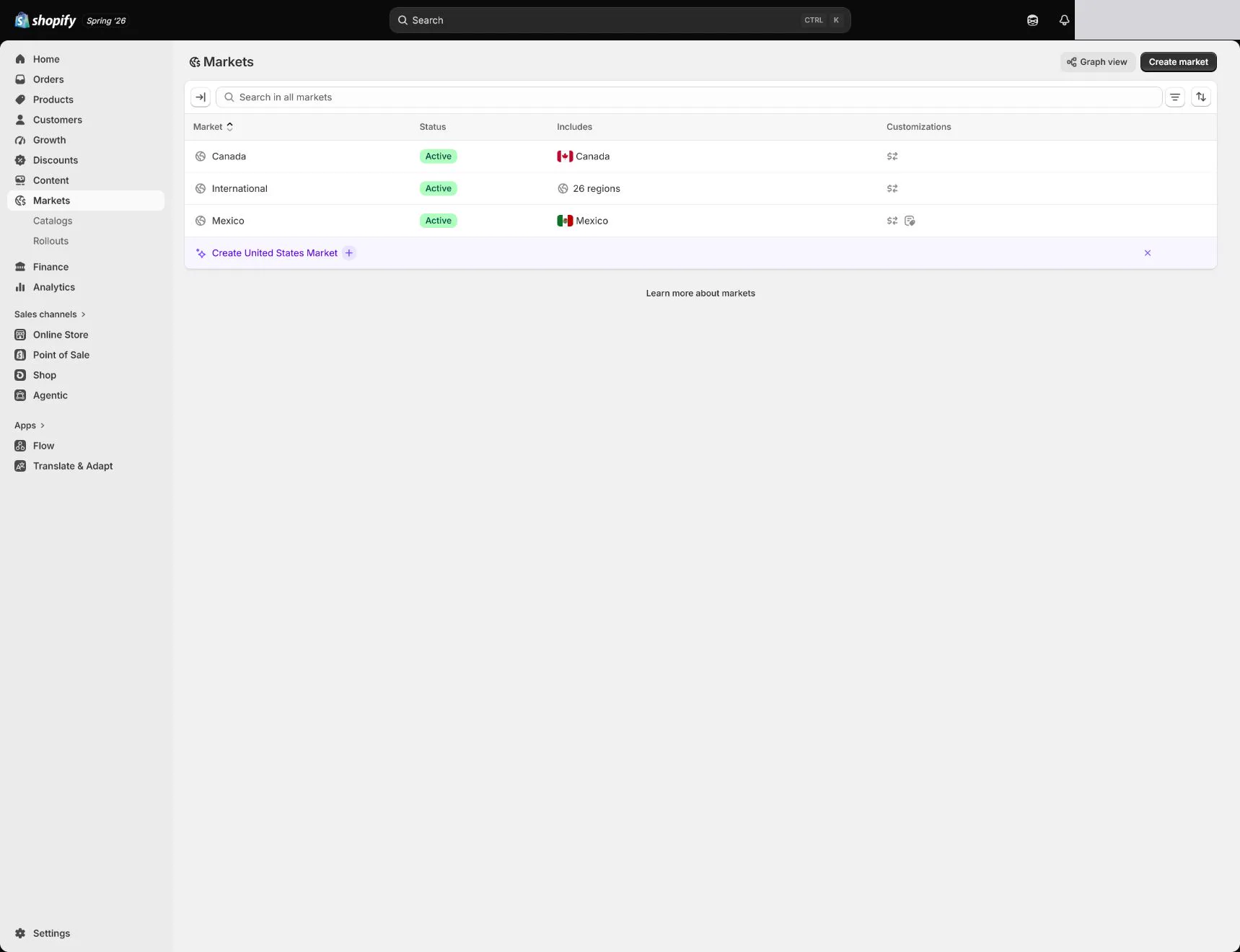
Markets is not finished by selecting countries. It affects sellable products, prices, currency, language, domain, and checkout. Store currency is the store's base record currency, while displayed and paid currencies also depend on Markets and payments. Opening many countries before shipping, tax, policy, translation, and support are ready creates false coverage.
What you should have at the end
One active US Primary market, other markets inactive, complete USD and English experience, and evidence for Catalog, domain, product availability, and test address.
Prepare before opening the admin
- Complete store currency, payments, shipping, and tax foundations.
- Confirm language, support hours, returns, and delivery capability for the launch country.
- List future markets without activating them.
Follow the English admin step by step
After each step, refresh the admin or verify the storefront. A saved state in admin does not automatically prove the customer-facing result.
Verify the Primary market
Open Settings > Markets and enter the Primary market. Align it with store currency and the actual launch country. Do not change it casually merely because another country has more traffic.
Keep only serviceable markets active
Review Active and Inactive markets. Keep non-US markets inactive until payments, shipping, tax, returns, policy, and support are ready. Every activation needs an owner and acceptance sheet.
Configure Currency and Pricing
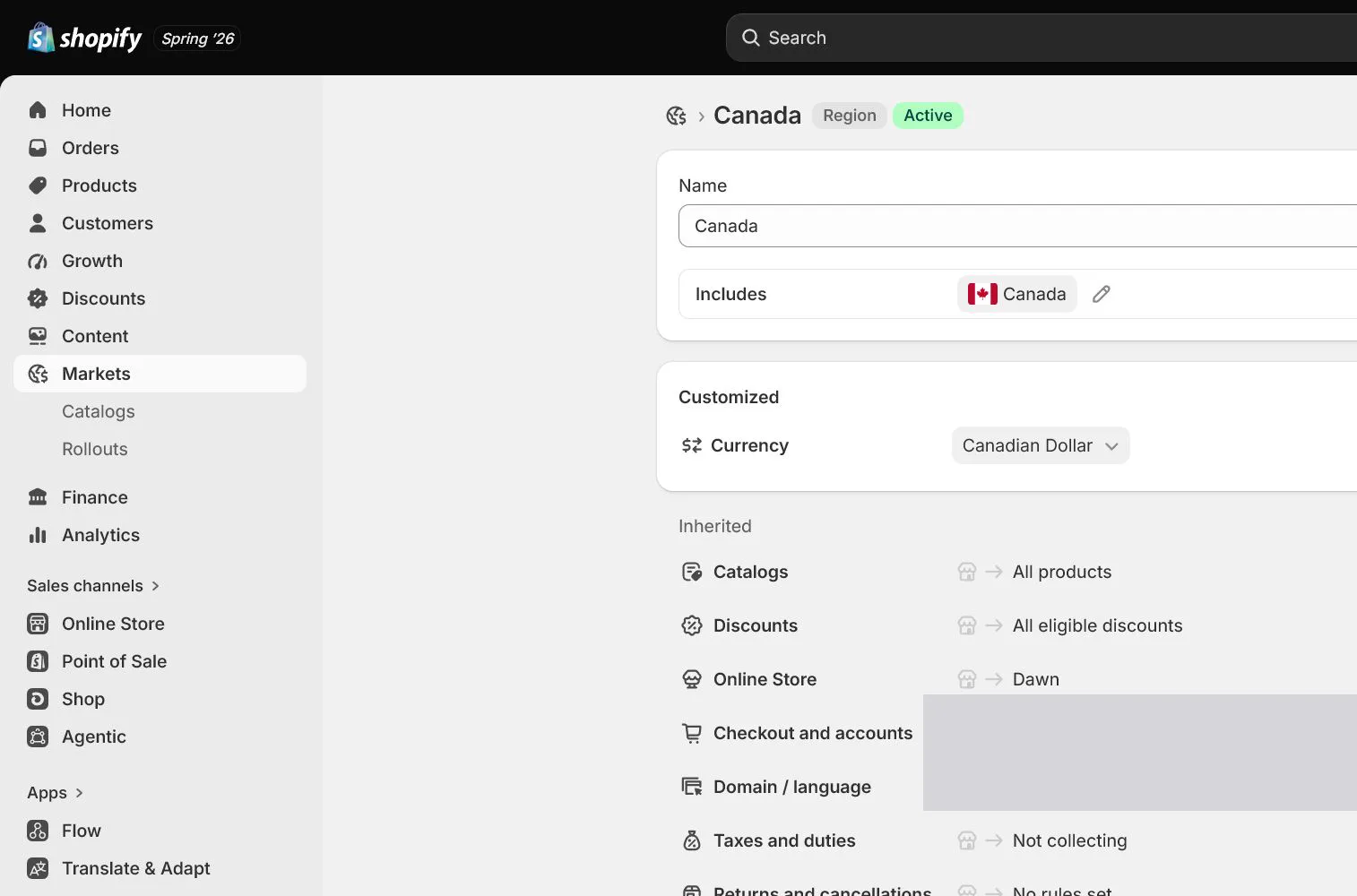
Display USD for the US. Distinguish store currency, market currency, fixed prices, and conversion. Do not enable multiple currencies without margin and payout review. Test product, cart, and checkout for consistent currency.
Configure Languages and translation status
Launch in English. Publish another language only when content, menus, policies, notifications, and support are ready. Translation apps or machine translation do not replace review of policy and product facts.
Review Domain and Catalog
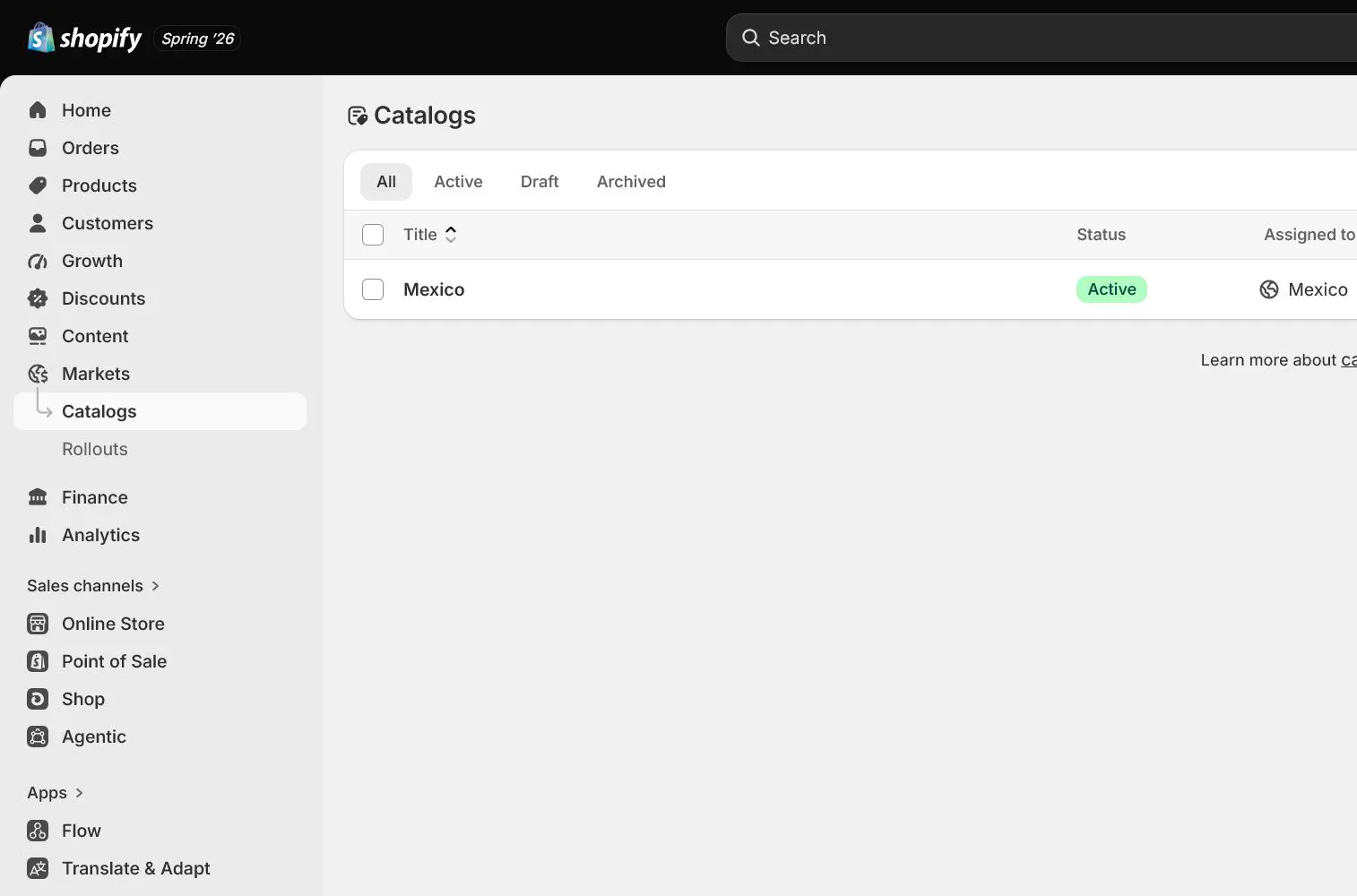
Choose the market domain, subfolder, or subdomain strategy and inspect Catalog, prices, and product availability. Avoid activating a market whose products are not published or routing all markets to the wrong path.
Test from the target-country perspective
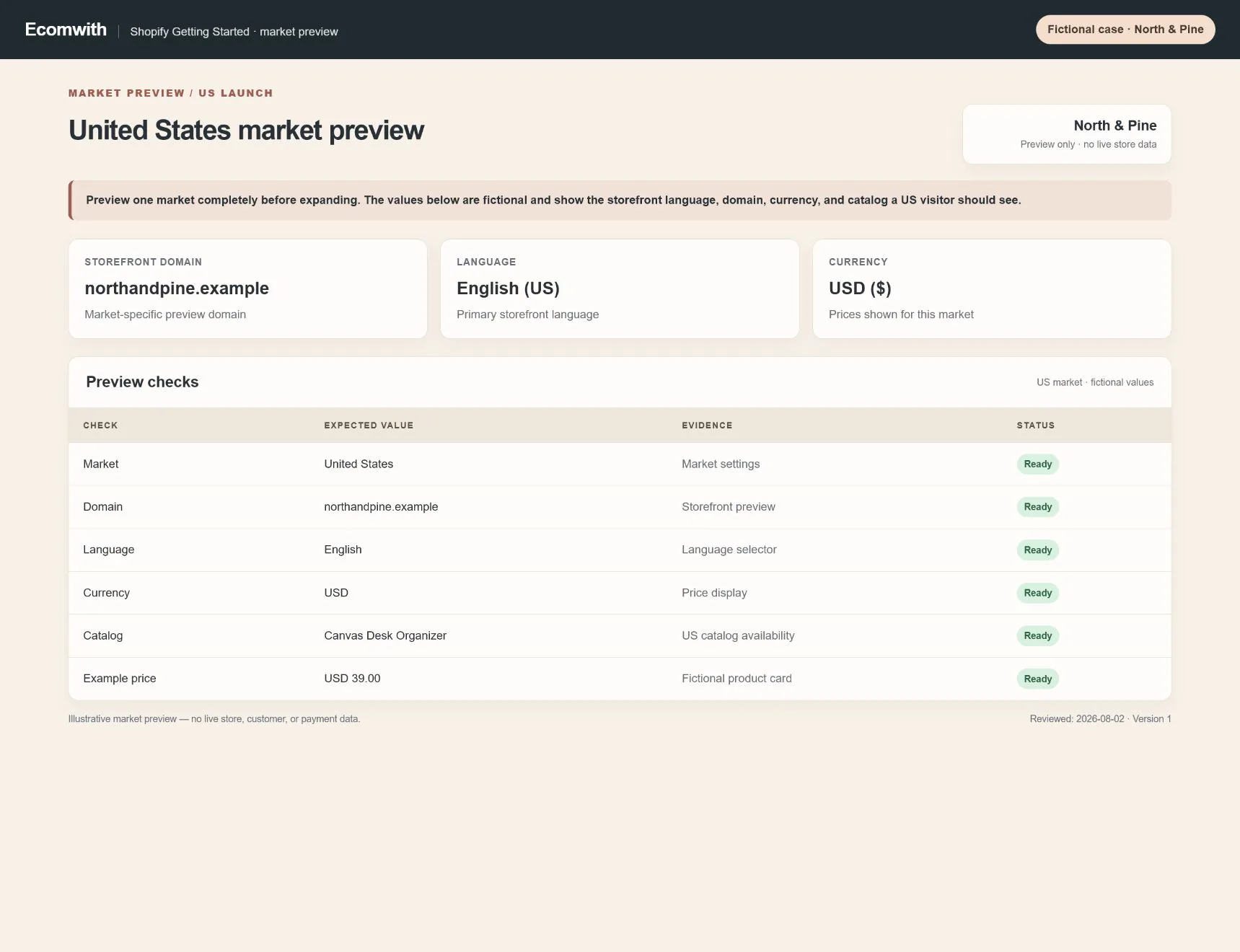
Use market preview or controlled location to check home, collection, product, price, language, shipping, tax, policy, and checkout. Record final URL, currency, and rate. A currency selector alone is not Market acceptance.
How North & Pine configures it
North & Pine uses the United States as Primary market with English and USD. Canada, the UK, and the EU remain inactive with separate payment, shipping, tax, return, and language tasks. The team uses a US address from home through pre-payment checkout and verifies that product, price, delivery, and policy belong to one market.
Decisions to make in this lesson
| Decision | Recommended setting | Why |
|---|---|---|
| Primary market | United States | Matches launch acquisition and fulfillment |
| Active markets | United States only | Serve one country completely first |
| Language | English | Content, notifications, and support are ready |
| Currency | USD | Aligns with store currency and payout plan |
Do not change these blindly
- Do not activate every country at launch.
- Do not confuse store currency with customer display currency.
- Do not publish a language without policy and support readiness.
Completion standard
The lesson is complete only when every item below has evidence. Saying that the page was reviewed is not acceptance.
- Primary market aligns with store currency and real operations.
- Only fully serviceable markets are Active.
- Currency, Pricing, Language, and Domain have explicit strategies.
- Catalog and product availability are checked.
- The target-country end-to-end path passes.
Common failures and fixes
| Symptom | What to do |
|---|---|
| A country can browse but cannot check out | Check Market status, shipping zone, payment currency, product availability, tax, and address requirements. |
| Product and checkout use different currencies | Verify store currency, market currency, fixed prices, payment provider, and cache, then retest within one market. |
| Menus or policies remain untranslated | Check language publication, translated resources, and market domain, then test in a private session. |
Frequently asked questions
How are Shopify Markets different from Shipping zones?
Markets control product, price, currency, language, domain, and market experience. Shipping zones control deliverable destinations and rates. Both must pass for checkout.
Is store currency the same as market currency?
Not always. Store currency is the base record, while Markets and payment capabilities can display or charge other currencies. Fees, FX, and payouts require separate review.
When should a second market open?
After payments, shipping, tax, policy, language, support, returns, and test orders are stable in the first market, run a separate acceptance for the second.
Official sources
Admin labels and rules change. These official pages are the maintenance baseline, and every screenshot must be checked against the current English admin.