Text version of this lessonExpand
Phase 3 Transactions and fulfillment
Confirm tax responsibility and registrations, then configure collection regions, product categories, tax-inclusive or exclusive pricing, coverage, and duties boundaries in Shopify Taxes and duties.
Settings > Taxes and duties70 minutes excluding registration processing
Phase 3 Transactions and fulfillment
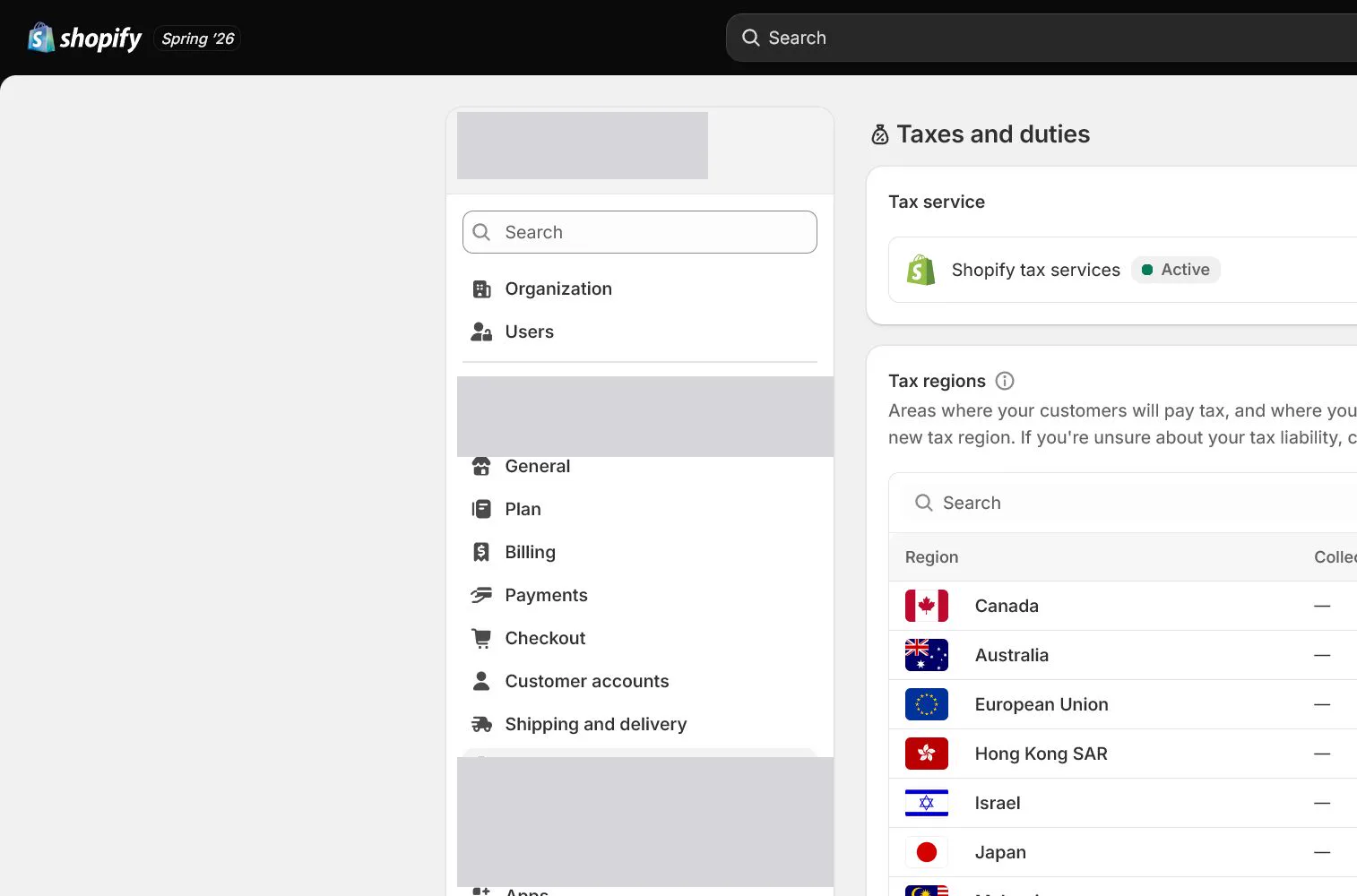
Why this lesson comes now
Shopify can calculate and collect tax but does not decide where registration is required or file returns for you. Shopify states that Basic Tax is unavailable for new stores created on or after May 13, 2026 in Canada, the United Kingdom, and the European Union; those stores use Shopify Tax or manual tax settings. Options vary by country and store creation date, so older screenshots cannot be copied blindly.
What you should have at the end
A tax configuration sheet with professionally confirmed registration regions, registration numbers, collection start dates, tax service, product categories, price display, duties treatment, test addresses, and filing owner.
Prepare before opening the admin
- Use a qualified tax professional to confirm whether and when registration is required in the launch market.
- Prepare registration numbers, effective dates, and entity details. Do not invent a number when registration is pending.
- Assign accurate Shopify product categories and list potentially exempt or special-rate items.
Follow the English admin step by step
After each step, refresh the admin or verify the storefront. A saved state in admin does not automatically prove the customer-facing result.
Confirm responsibility outside the admin
Provide entity, customer regions, inventory locations, sales, and product types to a qualified adviser. Shopify prompts assist configuration but are not tax advice. Record required and not-yet-required regions separately.
Open Taxes and duties and identify the service
Open Settings > Taxes and duties and record whether Shopify Tax, Basic Tax, or manual settings is available. A 2026 store should follow its admin and current official documentation rather than looking for an option no longer offered.
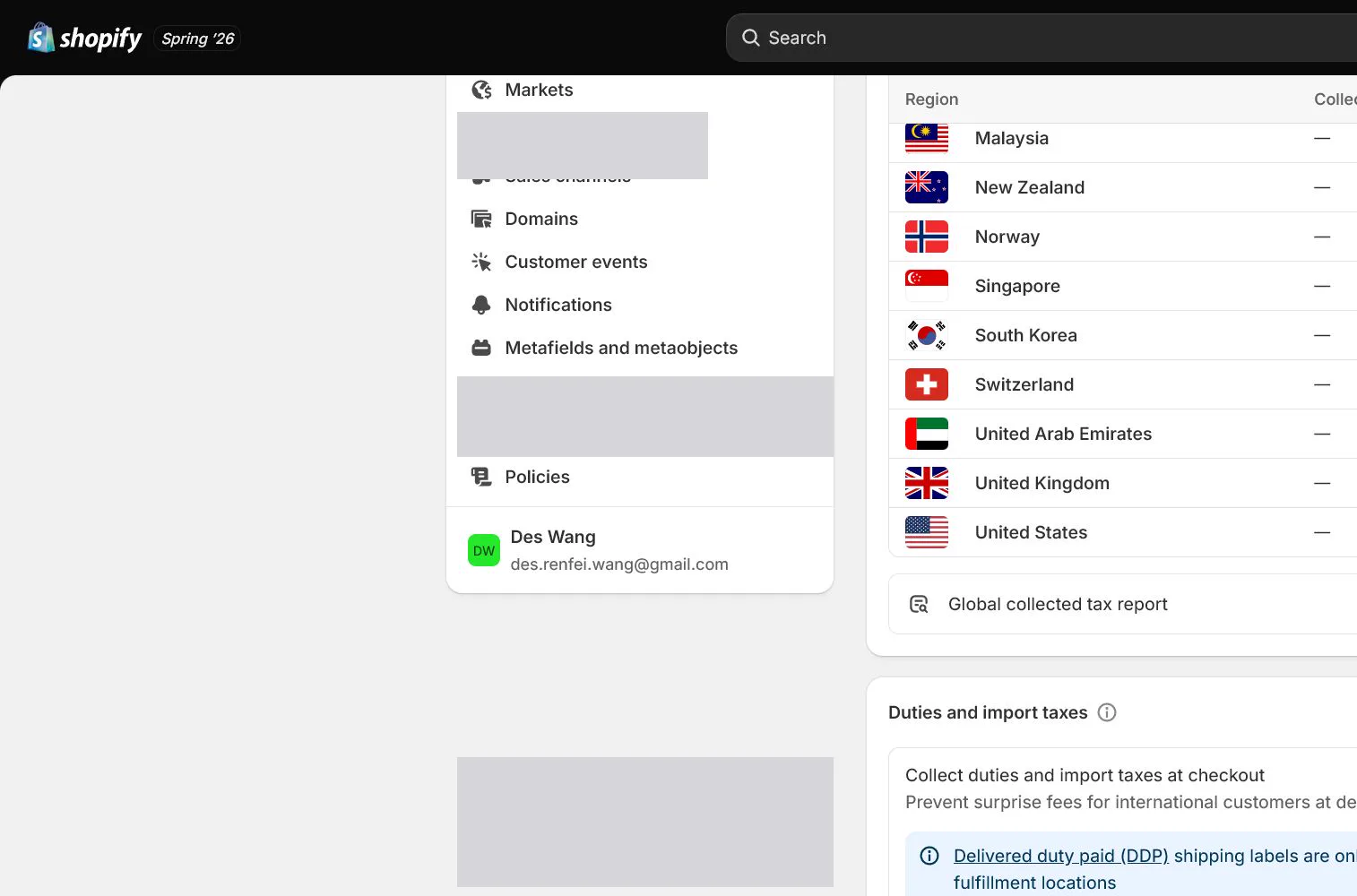
Add tax registrations
Add a registration for the relevant country or region with the real number and collection start date. Confirm it belongs to the Shopify entity, then review status, scope, and further requirements.
Correct product categories and overrides
Review Product category because it can affect tax recommendations. Create an override only for professionally confirmed exempt, reduced-rate, or special items, recording basis, SKUs, and review date.
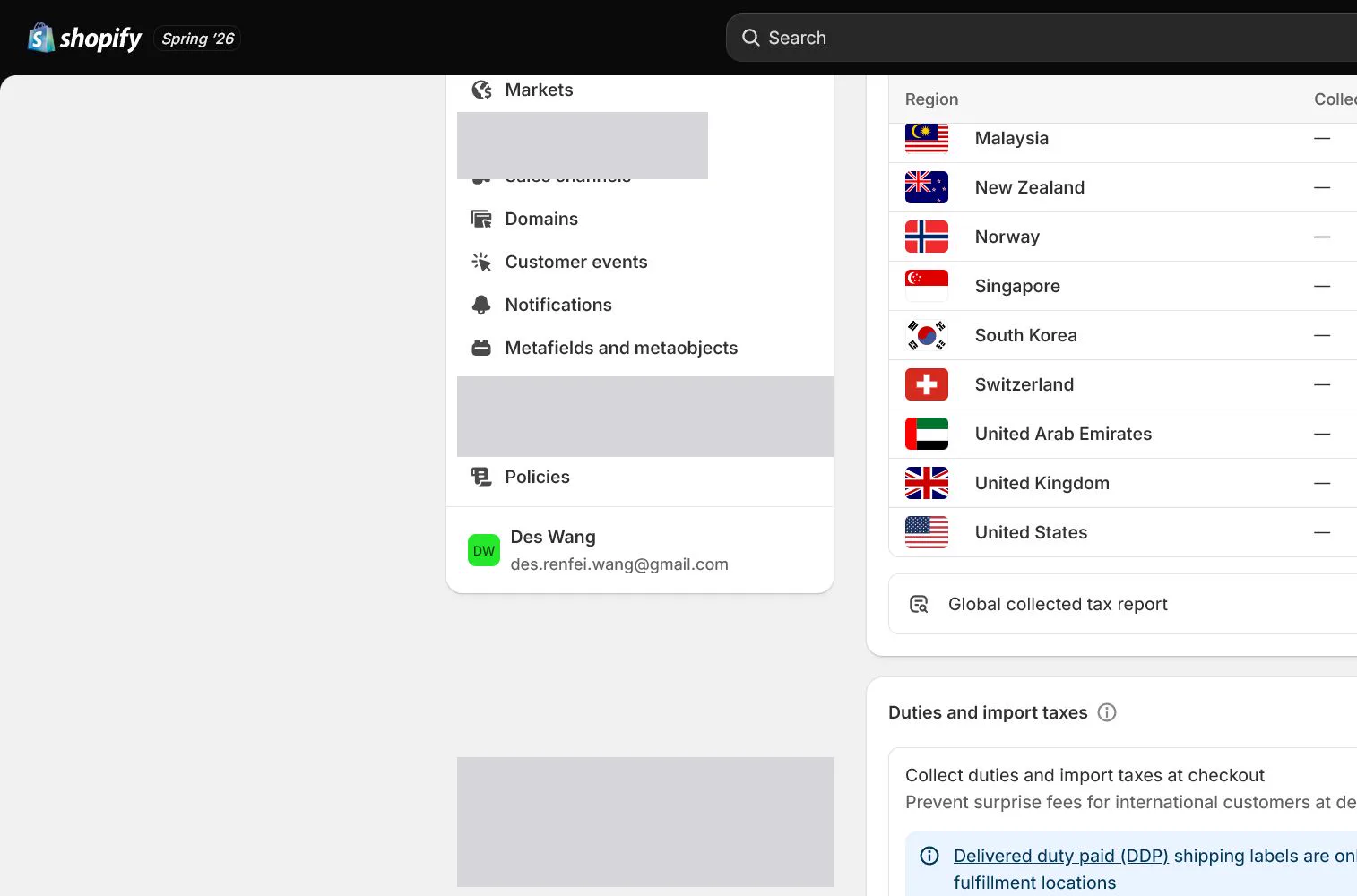
Decide tax-inclusive pricing and duties
Choose tax-inclusive or exclusive display for the launch market and align product and ad messaging. Evaluate duties, import tax, DDP, or customer-paid charges when entering cross-border markets rather than enabling global settings during a one-market launch.
Test addresses and orders, then schedule filing
Use at least two tax jurisdictions to test product tax, shipping tax, discounts, and refunds. Compare order tax lines to expectations. Document that collection is not filing and name the report, filing, and review owners.
How North & Pine configures it
North & Pine obtains professional confirmation of US registrations and start dates before adding real registrations in the admin. The Canvas Desk Organizer uses an accurate Product category with no unsupported override. The team tests two state addresses plus a refund and assigns monthly export, filing, and review to finance.
Decisions to make in this lesson
| Decision | Recommended setting | Why |
|---|---|---|
| Tax responsibility | Professionally confirmed | Platform settings cannot replace registration analysis |
| Tax service | Use current admin availability | Country and store creation date affect options |
| Product category | Accurate standard category | Supports calculation and channel consistency |
| Filing | Named owner | Collection is not filing and remittance |
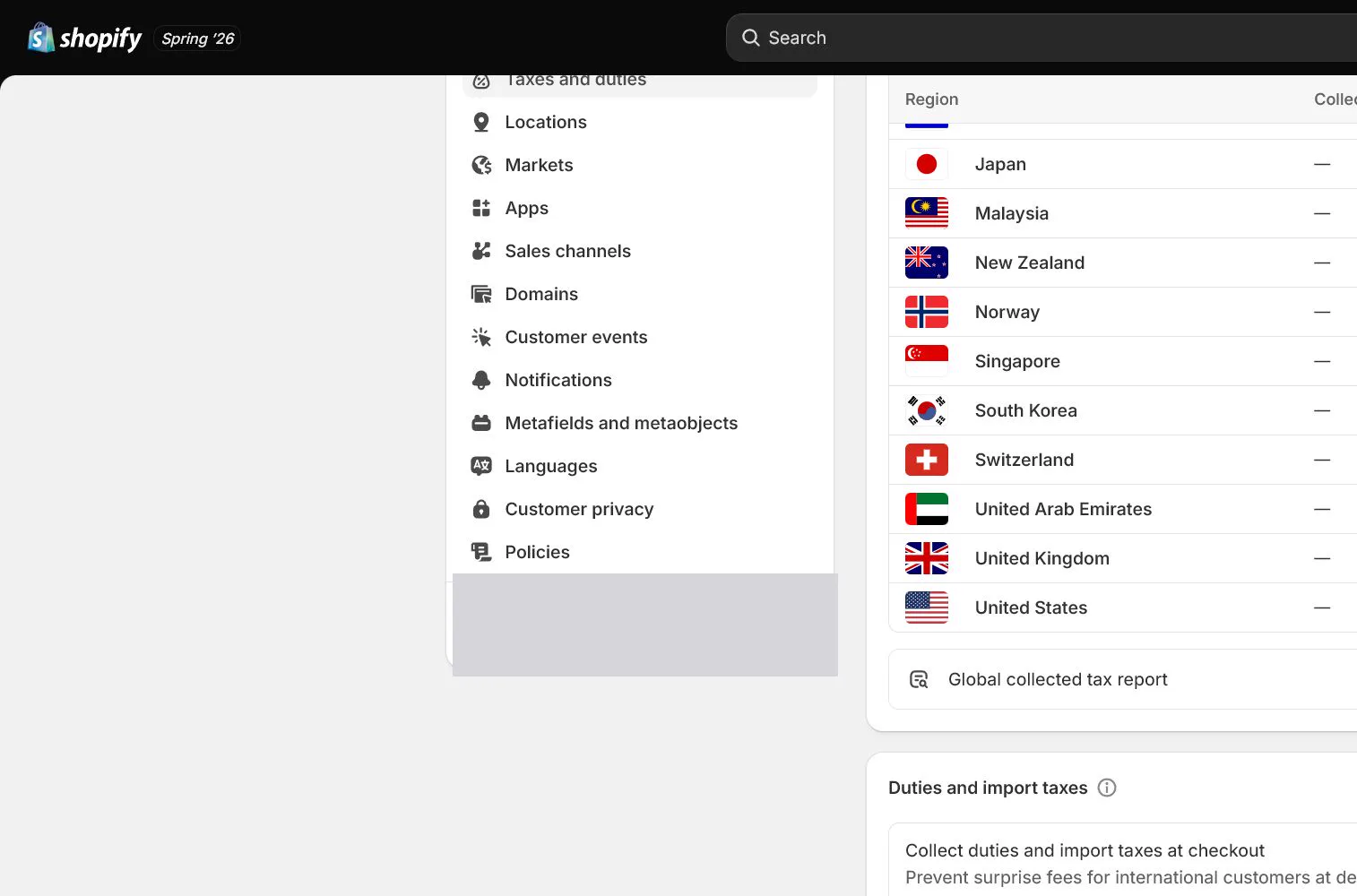
Do not change these blindly
- Do not treat Shopify tax suggestions as legal or tax advice.
- Do not enter a tax number without a real registration.
- Do not copy old Basic Tax screens when the option is unavailable.
Completion standard
The lesson is complete only when every item below has evidence. Saying that the page was reviewed is not acceptance.
- Registration regions and start dates have professional confirmation.
- The tax service matches current store availability.
- Product categories and every override have support.
- Tax display and duties promises align with the market.
- Test orders, refunds, and filing ownership are recorded.
Common failures and fixes
| Symptom | What to do |
|---|---|
| Basic Tax cannot be found | Check store country and creation date. For qualifying 2026 new stores, use the current Shopify Tax or manual settings path. |
| Checkout tax differs from expectation | Check registration, address, product category, override, shipping tax, inclusive settings, and test date, then obtain qualified review. |
| Tax does not adjust as expected after refund | Inspect the refund transaction and tax lines, including amount, shipping, tax service, and original order date. |
Frequently asked questions
Does Shopify file taxes for the store?
Shopify tax tools primarily help calculate, collect, and report data. They do not mean every registration, filing, and remittance is completed automatically. The store and qualified advisers own that determination.
Why is Basic Tax missing in my admin?
Shopify states that Basic Tax is unavailable for new stores created on or after May 13, 2026 in Canada, the UK, and the EU. Exact availability still depends on store country, date, and current admin.
Can Product category affect tax?
Accurate classification can support more appropriate tax recommendations and channel data, but it does not replace registration or professional analysis. Special rates need separate support.
Official sources
Admin labels and rules change. These official pages are the maintenance baseline, and every screenshot must be checked against the current English admin.