Text version of this lessonExpand
Phase 1 Account and store foundations
Create individual accounts and least-privilege roles for owners, operators, support, developers, and collaborators, then complete 2FA, recovery codes, and offboarding controls.
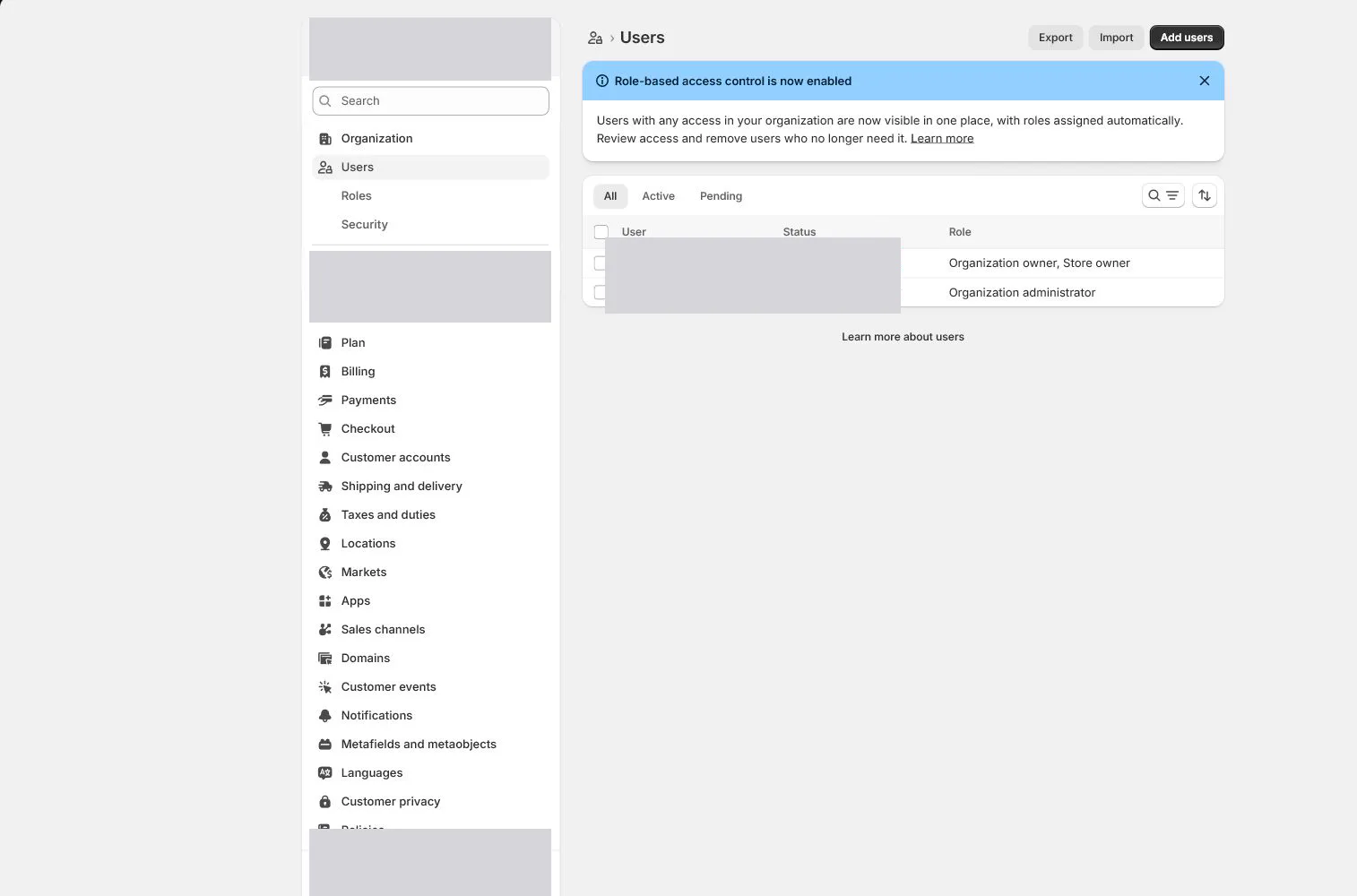
Settings > Users50 minutes
Phase 1 Account and store foundations
Why this lesson comes now
A small team is not a reason to share one admin account. Shared logins remove accountability, security boundaries, and clean offboarding. Each person should sign in separately and receive a role based on work. Developers and agencies should use collaborator or restricted access rather than the owner password.
What you should have at the end
A permission matrix, 2FA status for every active user, recovery-code custody, collaborator expiry dates, and a standard revocation procedure.
Prepare before opening the admin
- List everyone who will access the store, including contractors, agencies, developers, and report-only users.
- Group work into products, orders, customers, marketing, analytics, finance, settings, and apps.
- Prepare the company password manager and recovery-code custody process.
Follow the English admin step by step
After each step, refresh the admin or verify the storefront. A saved state in admin does not automatically prove the customer-facing result.
Keep one owner account
Confirm that the store owner is a durable responsible person. Do not use this login for every product, order, and support task. Reserve it for ownership, security, and selected high-risk settings.
Create roles by job
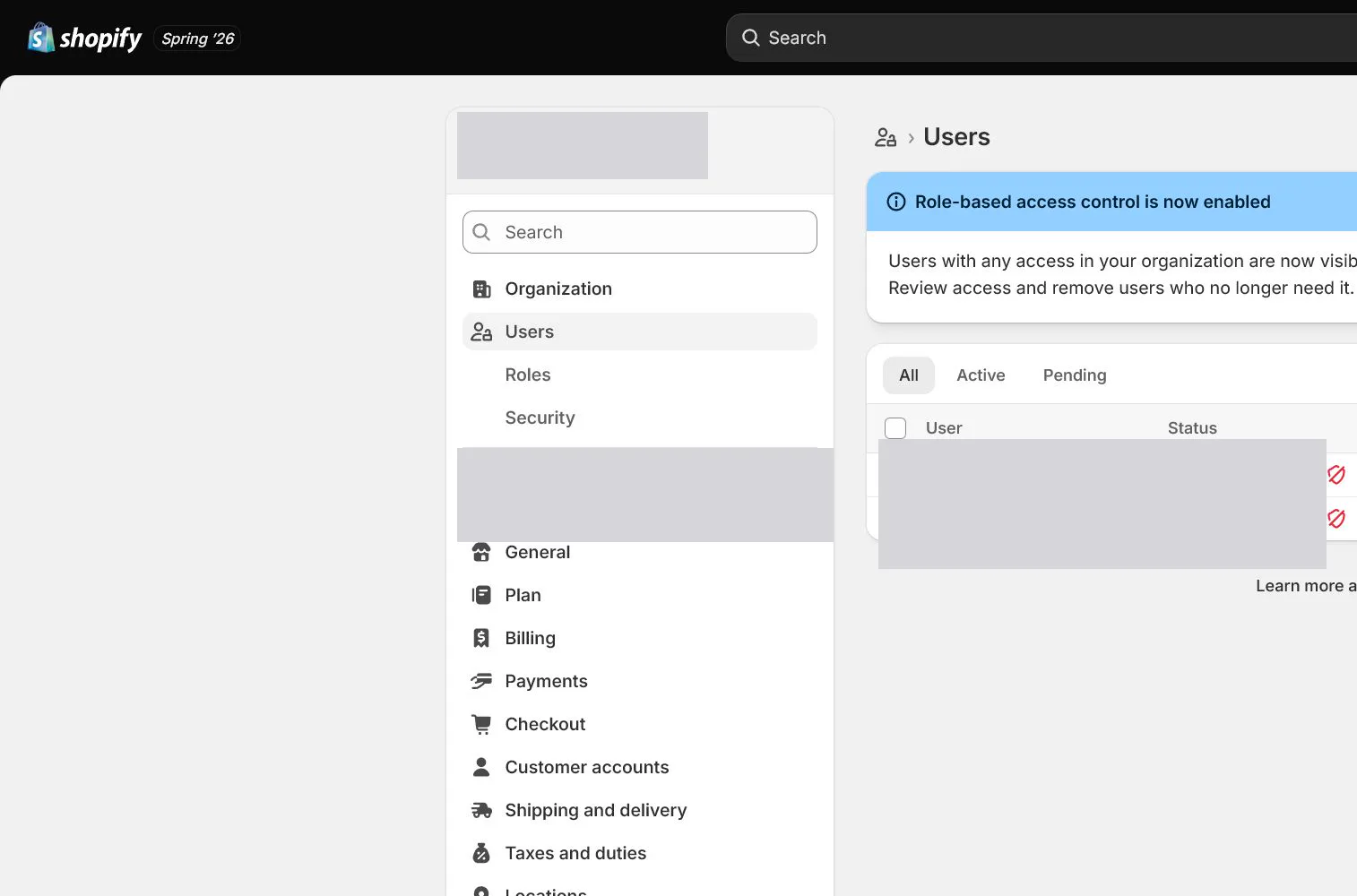
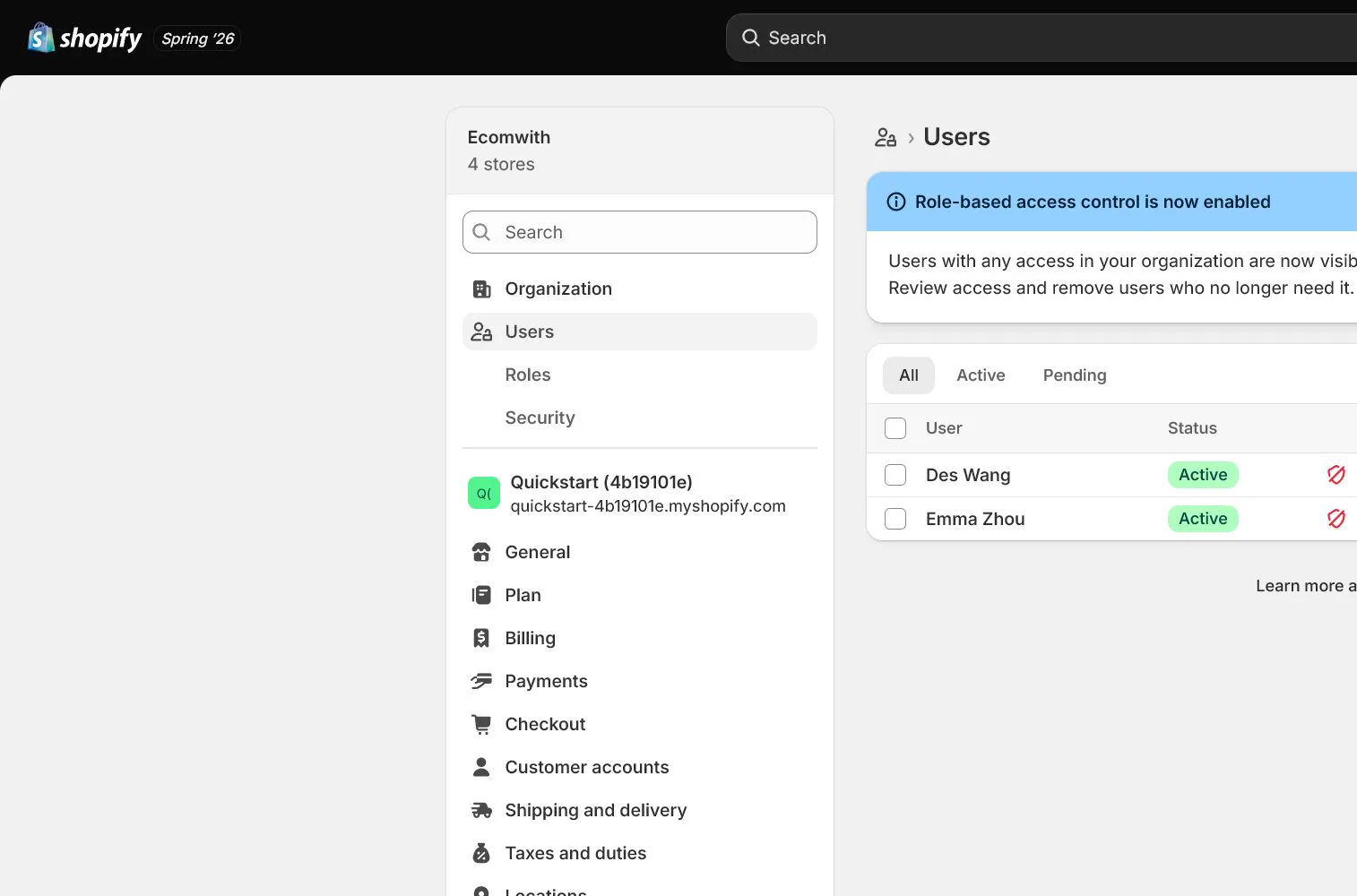
Open Settings > Users, review existing roles, and create operations, support, finance-read-only, and technical roles. Name roles by purpose instead of Admin 1 or Admin 2.
Reduce permissions field by field
Support usually does not need payment or app-install access, developers usually do not need customer exports, and finance-read-only does not need theme editing. Start with the minimum and expand only for a defined task.
Invite individual users or collaborators
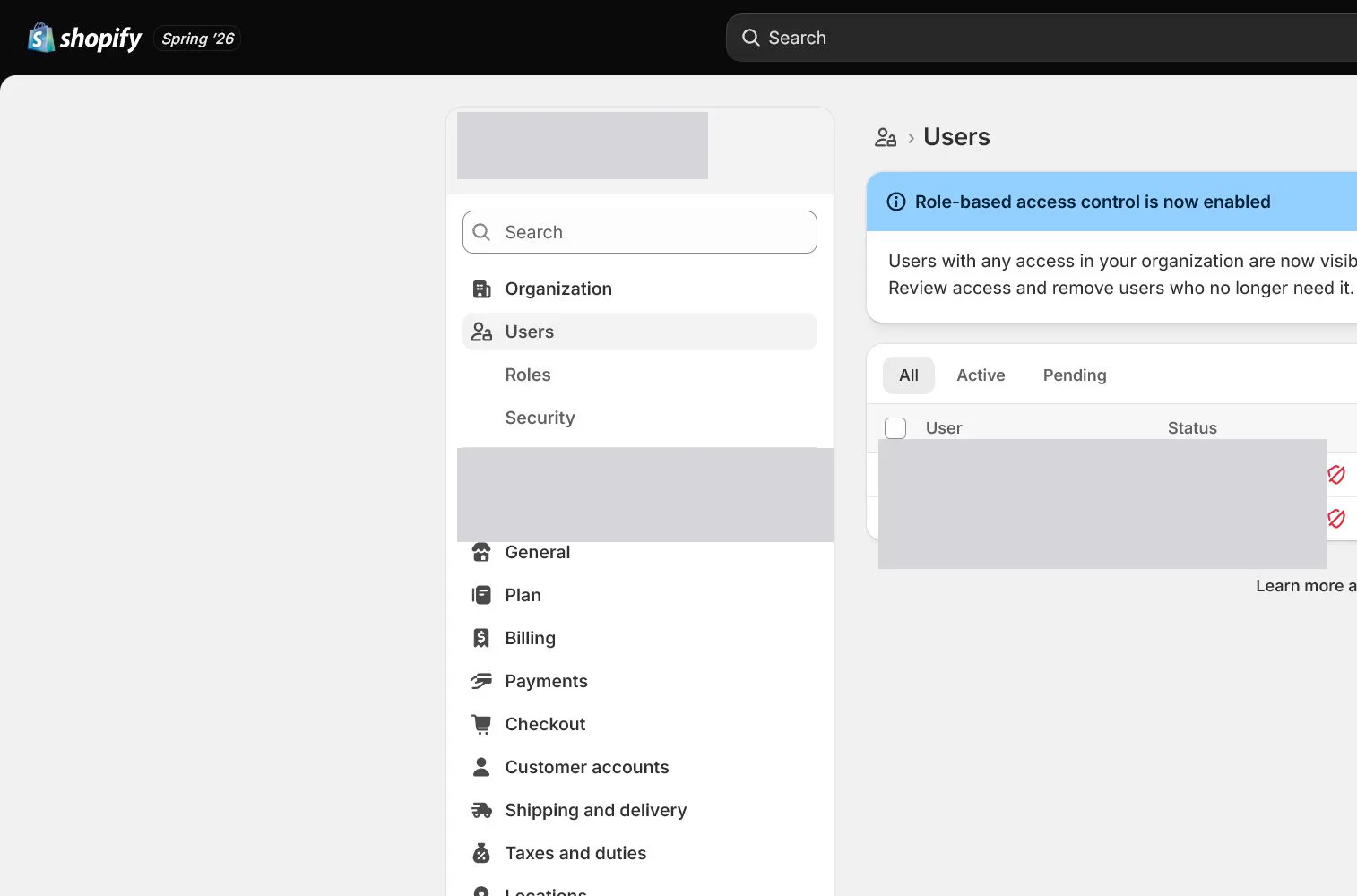
Each person accepts with an individual email. Agencies and Shopify Partners should use collaborator access where appropriate and receive a revocation date. Never send the owner password through chat.
Require and verify two-step authentication
Require two-step authentication for high-privilege users, especially owner, payments, user management, and app access. Sign out and back in once to prove the authenticator or phone works.
Store recovery codes and create an offboarding checklist
Store recovery codes in a controlled vault rather than one person's screenshot. When work ends, revoke the user, review app and API access, rotate shared secrets, and check activity logs.
How North & Pine configures it
North & Pine has owner, operations, support, and external developer roles. Support handles orders and customer communication, the developer receives only theme and approved-app access, and finance has read-only reports. Every privileged account uses 2FA, with recovery codes controlled by the owner and a second administrator.
Decisions to make in this lesson
| Decision | Recommended setting | Why |
|---|---|---|
| Store owner | One person | Keeps ownership and recovery responsibility clear |
| Operations role | Products, orders, discounts | Does not include payments or user management by default |
| Developer role | Themes and required apps | Customer export, billing, and payments stay off by default |
| Collaborators | Expiry-based revocation | Access does not remain after the project |
Do not change these blindly
- Do not share the owner login or send its password to an agency.
- Do not grant Full permissions to everyone for convenience.
- Do not leave former users or collaborators active after work ends.
Completion standard
The lesson is complete only when every item below has evidence. Saying that the page was reviewed is not acceptance.
- Every active person has an individual account.
- Roles map to actual job tasks.
- All privileged users have verified 2FA.
- Recovery codes are in a controlled vault.
- The offboarding checklist covers users, apps, API secrets, and activity review.
Common failures and fixes
| Symptom | What to do |
|---|---|
| An invited user cannot see a feature | Check the assigned role and store or organization scope before escalating to Full permissions. |
| A collaborator asks for the owner password | Use a collaborator request or restricted user and map the request to specific permissions. |
| A lost phone blocks 2FA | Use controlled recovery codes or a backup method, then regenerate and replace old recovery codes after access is restored. |
Frequently asked questions
What is the difference between a Shopify collaborator and a staff user?
Collaborator access is generally for Shopify Partners or agencies and is requested for specific permissions. Regardless of account type, use least privilege and revoke access when work ends.
Does everyone need 2FA?
At minimum, the owner and privileged users should enable it. A store-wide requirement is safer because a lower-privilege account can still become an entry point.
Does a developer need customer and order permissions?
Most theme work does not require full customer data. Grant temporary access only for a defined debugging task, scope, and period, then remove it.
Official sources
Admin labels and rules change. These official pages are the maintenance baseline, and every screenshot must be checked against the current English admin.