Text version of this lessonExpand
Phase 2 Products and storefront structure
Complete refund, privacy, terms, shipping, contact, About, and FAQ pages, set brand assets, and align every promise with payment, fulfillment, support, and real operations.
Settings > Policies, Settings > Brand, Online Store > Pages90 minutes
Phase 2 Products and storefront structure
Why this lesson comes now
Policy templates can provide a starting point but cannot decide return windows, return shipping, damage evidence, cancellation conditions, or privacy practices. The risky case is promising more than operations can deliver or publishing conflicting terms across pages. Draft policies from real processes and obtain appropriate professional review for applicable markets.
What you should have at the end
A consistent, operable set of policy and trust pages with owner, last review date, applicable market, support route, and storefront link location.
Prepare before opening the admin
- Write the actual refund, return, exchange, cancellation, damage, delay, and loss process first.
- Confirm consumer, privacy, tax, and product-compliance requirements for the launch market and use qualified advice where needed.
- Prepare support response time, working hours, contact email, and return-address rules.
Follow the English admin step by step
After each step, refresh the admin or verify the storefront. A saved state in admin does not automatically prove the customer-facing result.
Write operating rules first
Before filling a template, document who decides each case, required evidence, available outcomes, approval owner, and completion time. Policies should promise only what the team can perform.
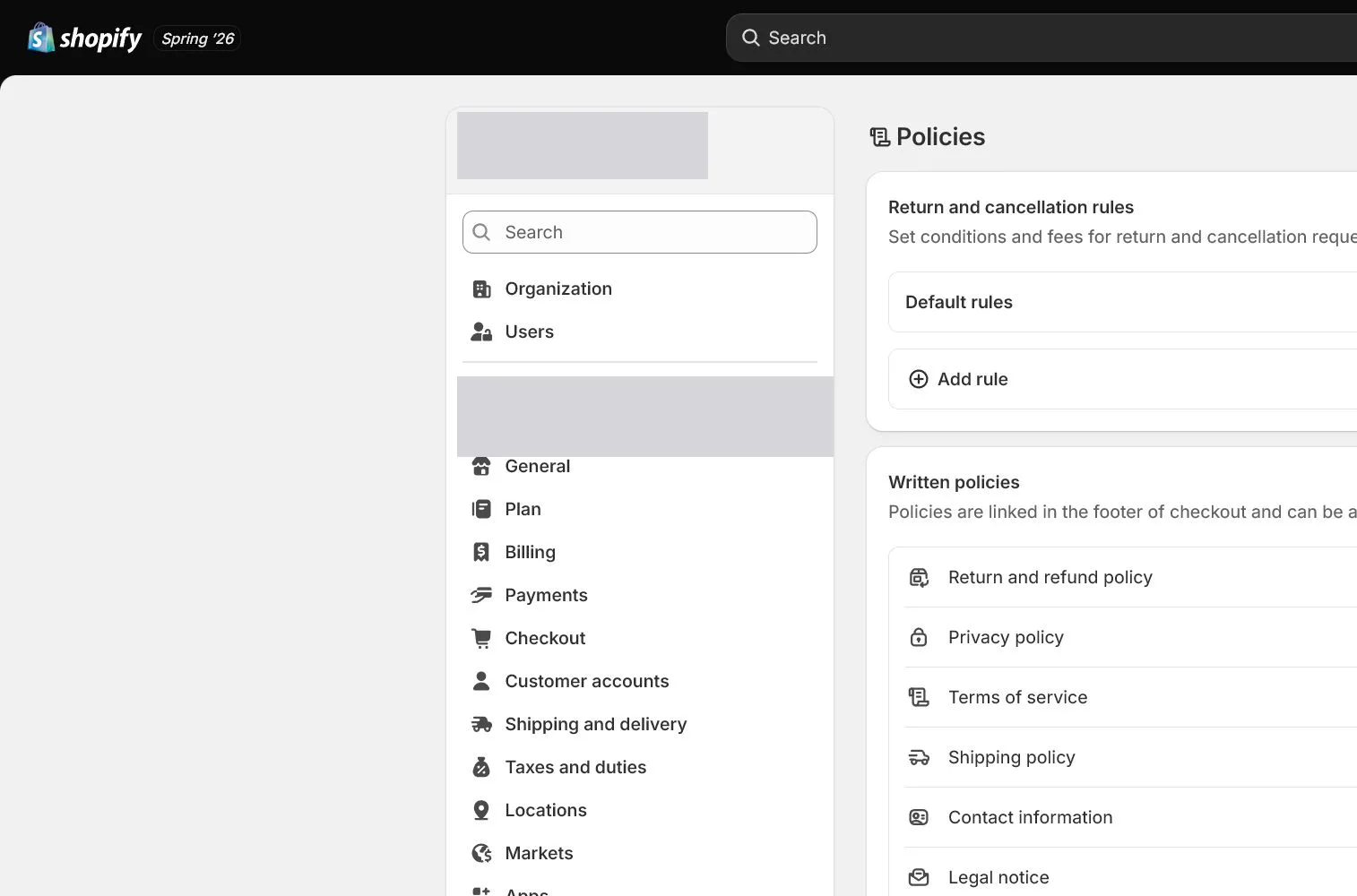
Complete Settings > Policies
Open Settings > Policies and work through Refund, Privacy, Terms, Shipping, and related content. Shopify templates can start the draft, but every section must be adapted. Verify inserted company name, address, and contact details.
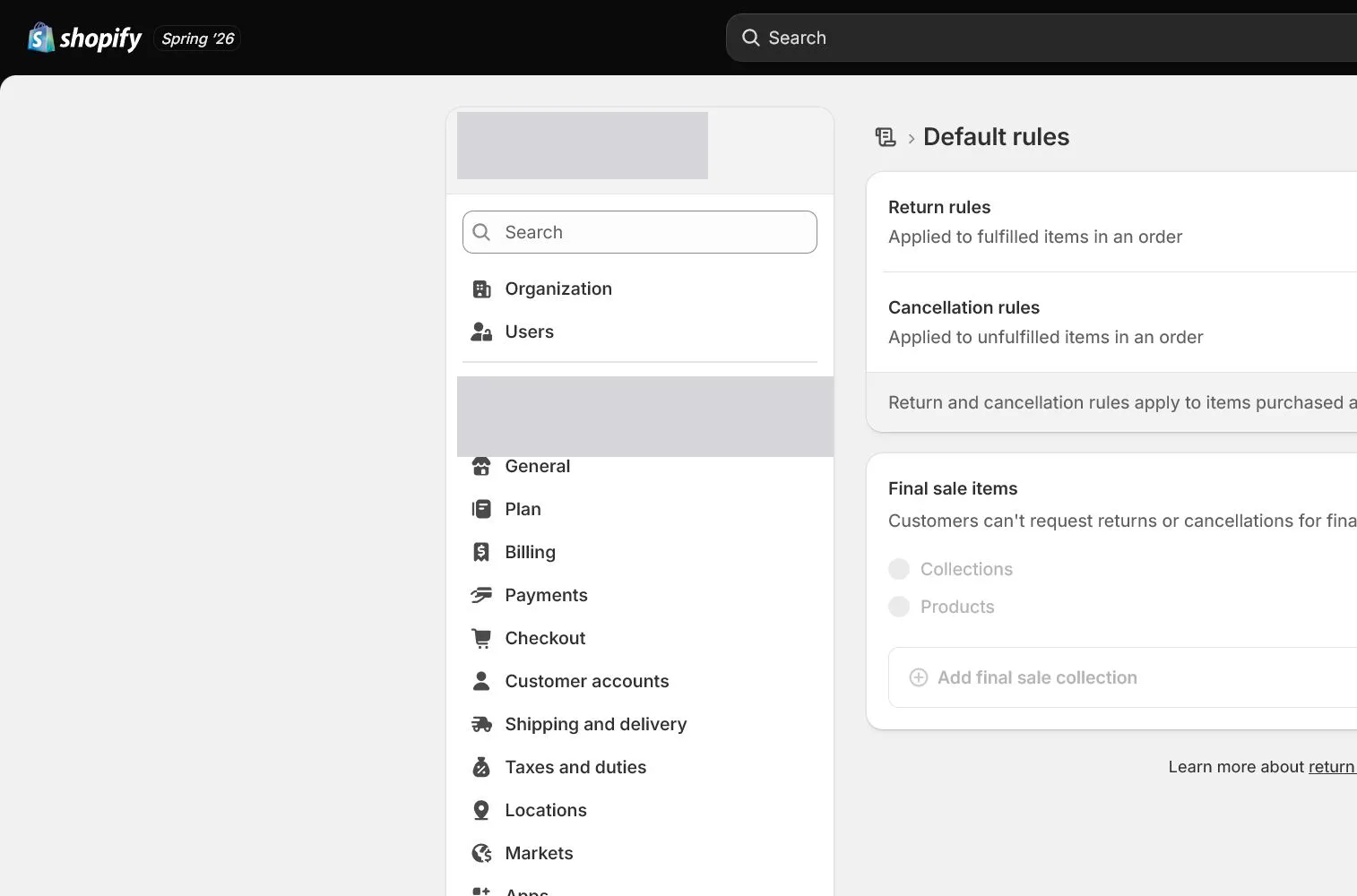
Add return and cancellation rules
Where the admin provides return rules or cancellation settings, align windows, fees, exceptions, and customer steps with the policy. Exceptions for digital, custom, hygiene, or clearance products should not exist only in internal support notes.
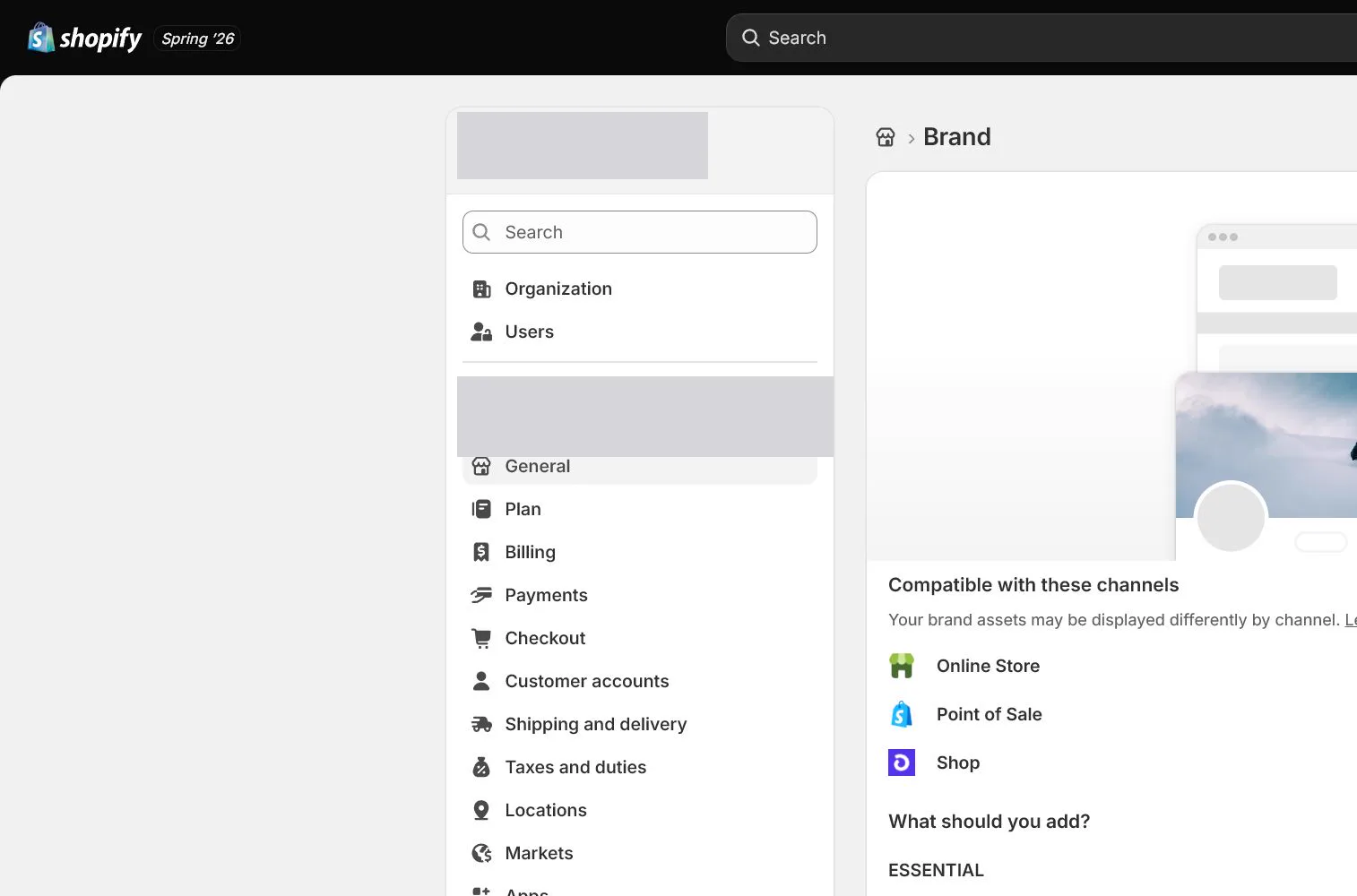
Configure Brand assets
Upload logo, square logo, colors, slogan, and other assets under Settings > Brand. Review their real appearance in notifications, checkout, and sales channels rather than uploading low-resolution files with excess padding.
Complete About, Contact, and FAQ
About explains why the brand exists and what it sells. Contact provides a real channel and response time. FAQ addresses shipping, order changes, returns, and use. Do not replace needed customer information with vague brand storytelling.
Link the footer and run consistency review
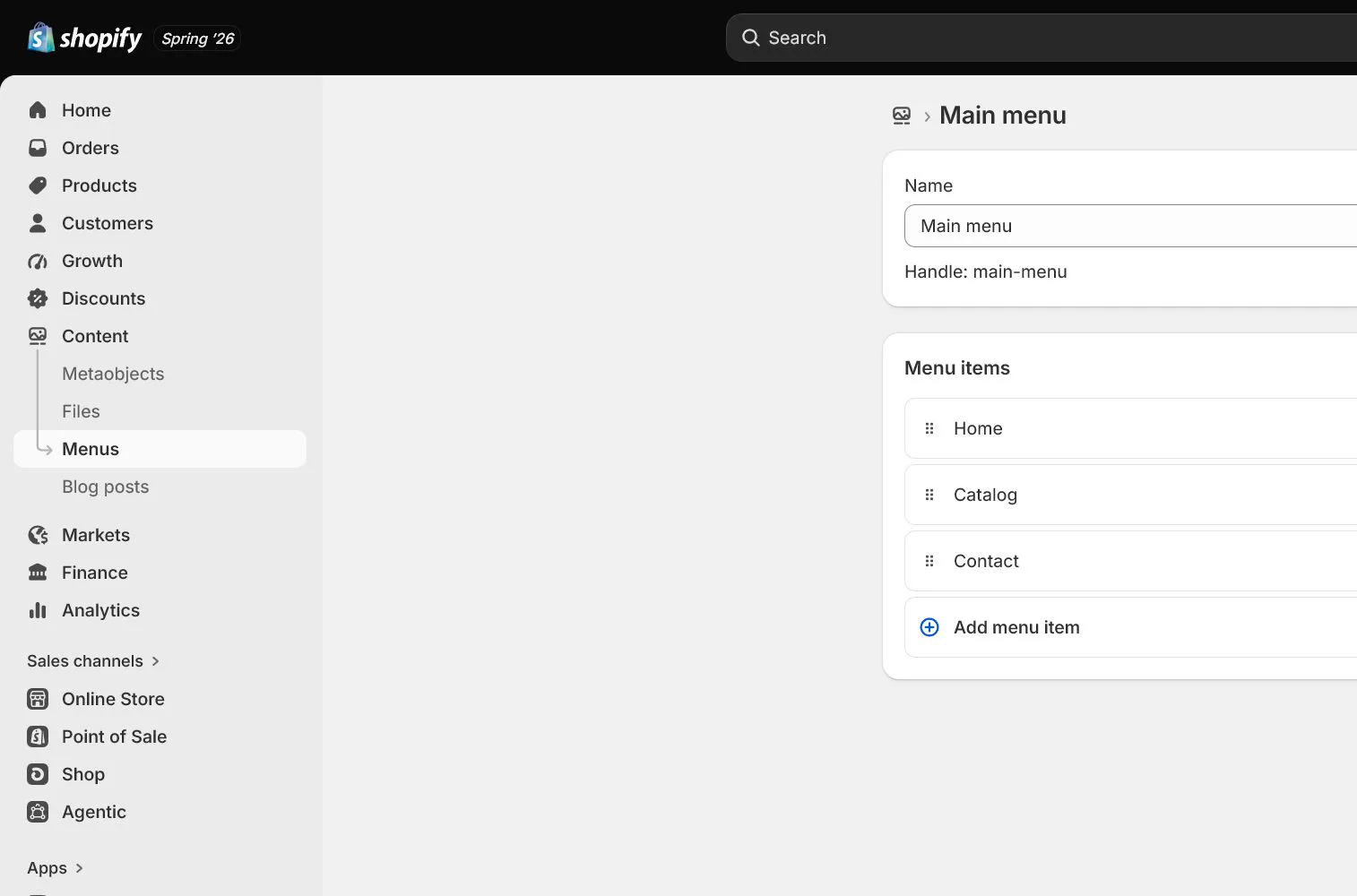
Link policies and contact pages in the Footer through Content > Menus. Compare product, cart, checkout, notifications, and support templates for consistent windows, fees, addresses, and wording. Record reviewer and date.
How North & Pine configures it
North & Pine documents its actual process for 14-day unused returns, photo evidence for damage, nonrefundable original shipping, and customer-paid return shipping, including contact steps. Every number matches the support SOP and footer. This is a course case rather than universal legal guidance and still requires qualified review before publication.
Decisions to make in this lesson
| Decision | Recommended setting | Why |
|---|---|---|
| Refund policy | Match actual operations | A template cannot make business decisions |
| Privacy scope | Match tools and markets | Must reflect actual data collection and sharing |
| Contact | Monitored support inbox | Customers receive a real response |
| Review | Operations plus qualified advice | Both legal and operational promises need review |
Do not change these blindly
- Do not publish generated templates unchanged.
- Do not publish different return windows on product, FAQ, and policy pages.
- Do not treat this lesson as legal advice.
Completion standard
The lesson is complete only when every item below has evidence. Saying that the page was reviewed is not acceptance.
- Policies are derived from real SOPs and reviewed section by section.
- Return and cancellation settings match the pages.
- Brand assets display correctly in notifications, checkout, and storefront.
- About, Contact, and FAQ have clear customer jobs.
- Footer links and cross-page consistency checks pass.
Common failures and fixes
| Symptom | What to do |
|---|---|
| Policies show incorrect company information | Correct General, Policies, and inserted template values, then review notifications and checkout. |
| Customers cannot find the return process | Add a clear first step, contact address, required information, and response time to policy and FAQ, then link them in the footer. |
| Policy and support actions differ | Run an alignment review using actual operations and decide whether the page or SOP changes. Do not rely on ad hoc support explanations. |
Frequently asked questions
Can Shopify generated policies be used as-is?
It is not recommended. Templates do not know your products, markets, return costs, data tools, or operations. Adapt each section and obtain appropriate review.
Where should policy pages be linked?
They normally belong in the Footer and should also appear where relevant on product, cart, checkout, or FAQ pages. Customers should not discover key terms only after payment.
Does a privacy policy complete privacy setup?
No. Cookie banners, data-sharing opt-out, pixels, apps, customer requests, and market requirements also need configuration. The privacy and events lesson covers those controls.
Official sources
Admin labels and rules change. These official pages are the maintenance baseline, and every screenshot must be checked against the current English admin.