Text version of this lessonExpand
Phase 2 Products and storefront structure
Build manual and automated collections, assign clear jobs to category, product type, vendor, and tags, and create a stable structure for navigation, filtering, feeds, and future assortment growth.
Products > Collections and Search & Discovery65 minutes
Phase 2 Products and storefront structure
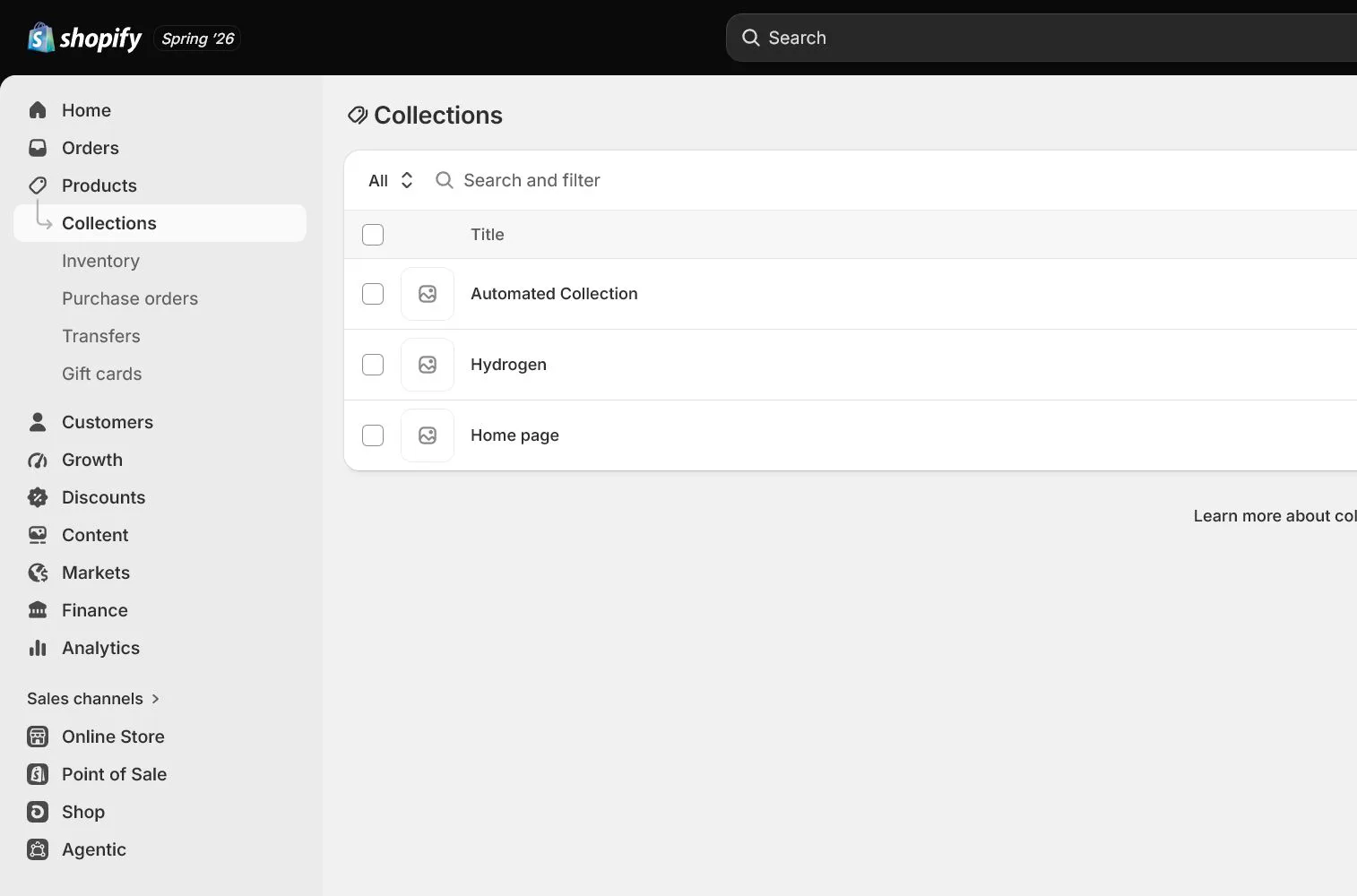
Why this lesson comes now
Collections are not just admin folders. They shape how customers enter products, how navigation works, and where campaigns land. Beginners often copy the same words into category, product type, vendor, and tags, making automation, filters, and feeds hard to maintain. Give each field one stable job before the catalog grows.
What you should have at the end
A minimum viable catalog with collections such as All Products, Desk Organization, and New Arrivals, including automation rules, URLs, sorting, images, and storefront entry points.
Prepare before opening the admin
- Prepare at least one complete product and draft category, vendor, product type, and tags.
- List customer shopping paths rather than internal department names.
- Confirm whether the admin shows the newer collection model or legacy behavior because some variant-level capabilities differ.
Follow the English admin step by step
After each step, refresh the admin or verify the storefront. A saved state in admin does not automatically prove the customer-facing result.
Draw a three-level catalog first
Use only primary navigation categories, collection pages, and product pages. North & Pine has one core launch category and does not need many empty collections. Record customer intent and the minimum future assortment for each collection.
Separate field responsibilities
Use Shopify's standard Product category, a stable internal Product type, Vendor for brand or supplier identity, and Tags for rules or operational labels. Do not place full descriptions in tags.
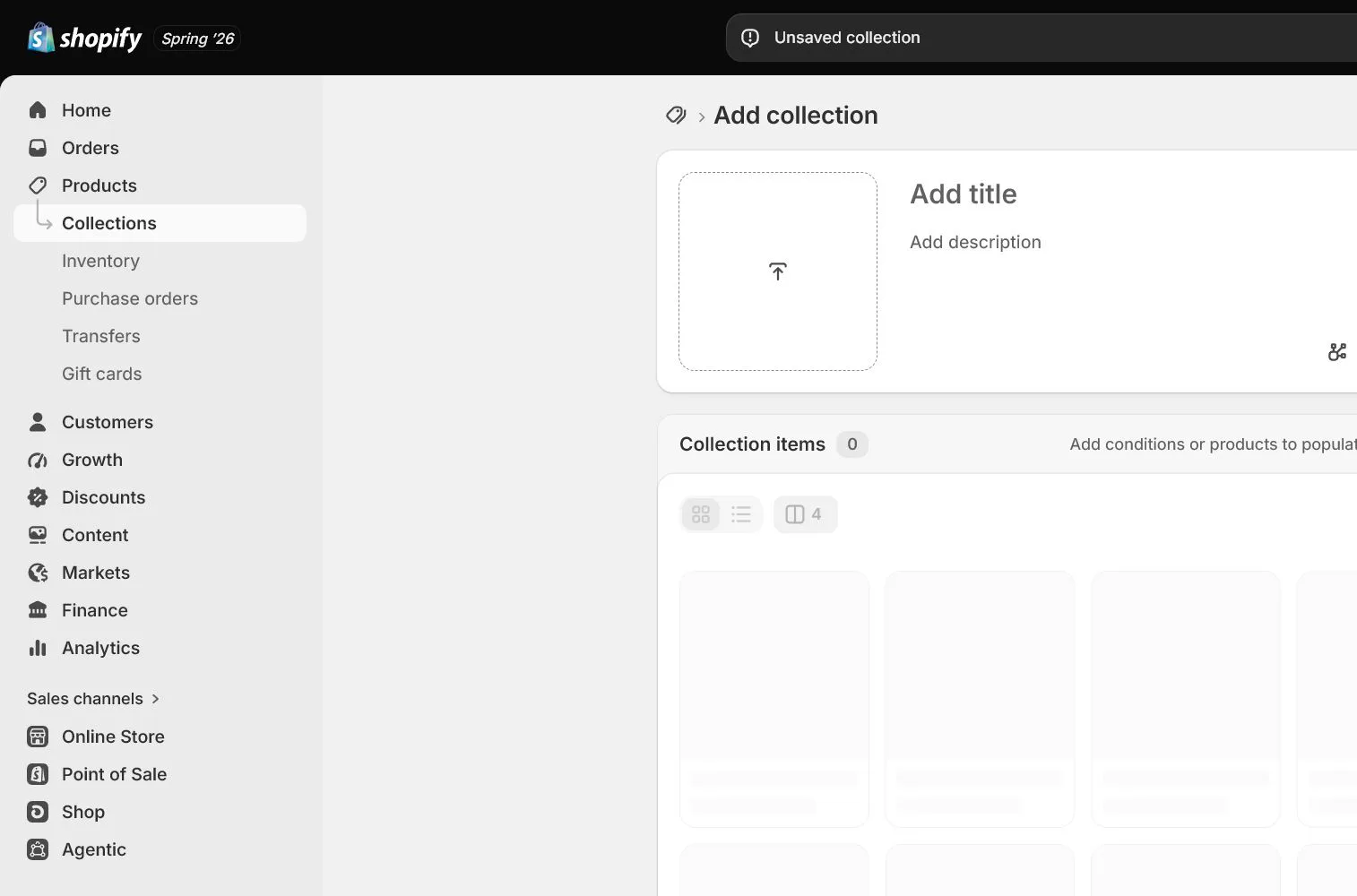
Create a manual collection
Use Manual for curated, small, or unstable assortments. Add title, description, image, and search listing, then select products and check sort order.
Create an automated collection
Use Automated for stable rules based on category, product type, vendor, tag, price, or inventory. Test conditions in the product sheet first so AND and OR logic does not pull unrelated products.
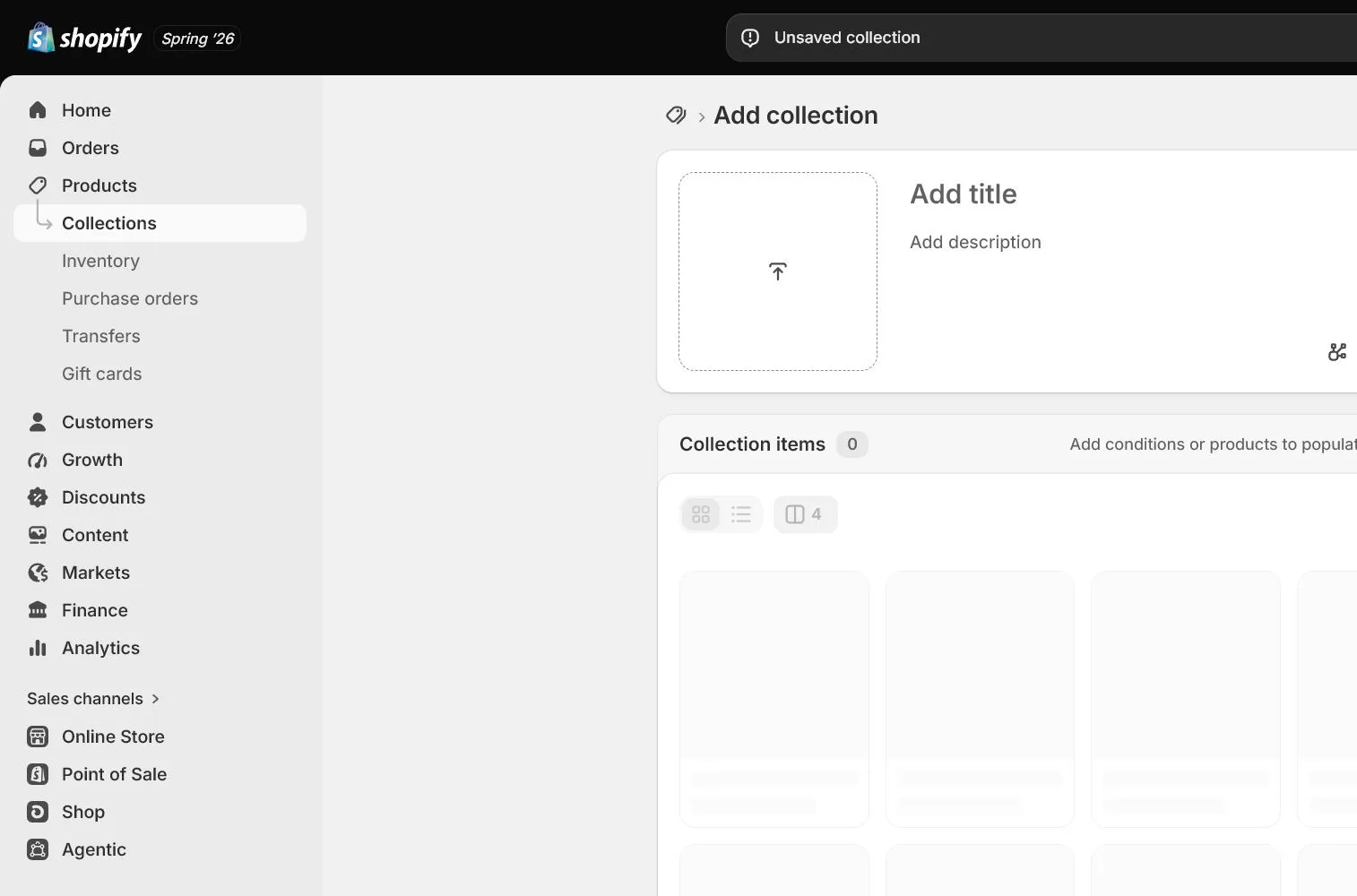
Set sort, SEO, and presentation
Use manual curation or Best selling rather than allowing unavailable or secondary products to lead. Write collection-specific introduction and SEO instead of copying product text. Check image, filters, and first products on mobile.
Connect navigation, filters, and feeds
A collection does not automatically enter the menu. Link it through Content > Menus in the navigation lesson. Configure filters through Shopify Search & Discovery or current official tools, keeping fields aligned with feeds and ad product groups.
How North & Pine configures it
North & Pine creates an automated Desk Organization collection using stable Product type rather than temporary copy. New Arrivals uses a controlled tag maintained by operations. Collection copy is unique and only available items lead. The main navigation expands after a second real category exists.
Decisions to make in this lesson
| Decision | Recommended setting | Why |
|---|---|---|
| Launch collection | Desk Organization | Matches the clearest customer shopping job |
| Manual collection | Campaigns or curation | Content needs editorial control |
| Automated collection | Stable taxonomy rules | New products join automatically |
| Tags | Small operational labels | Do not replace category or product type |
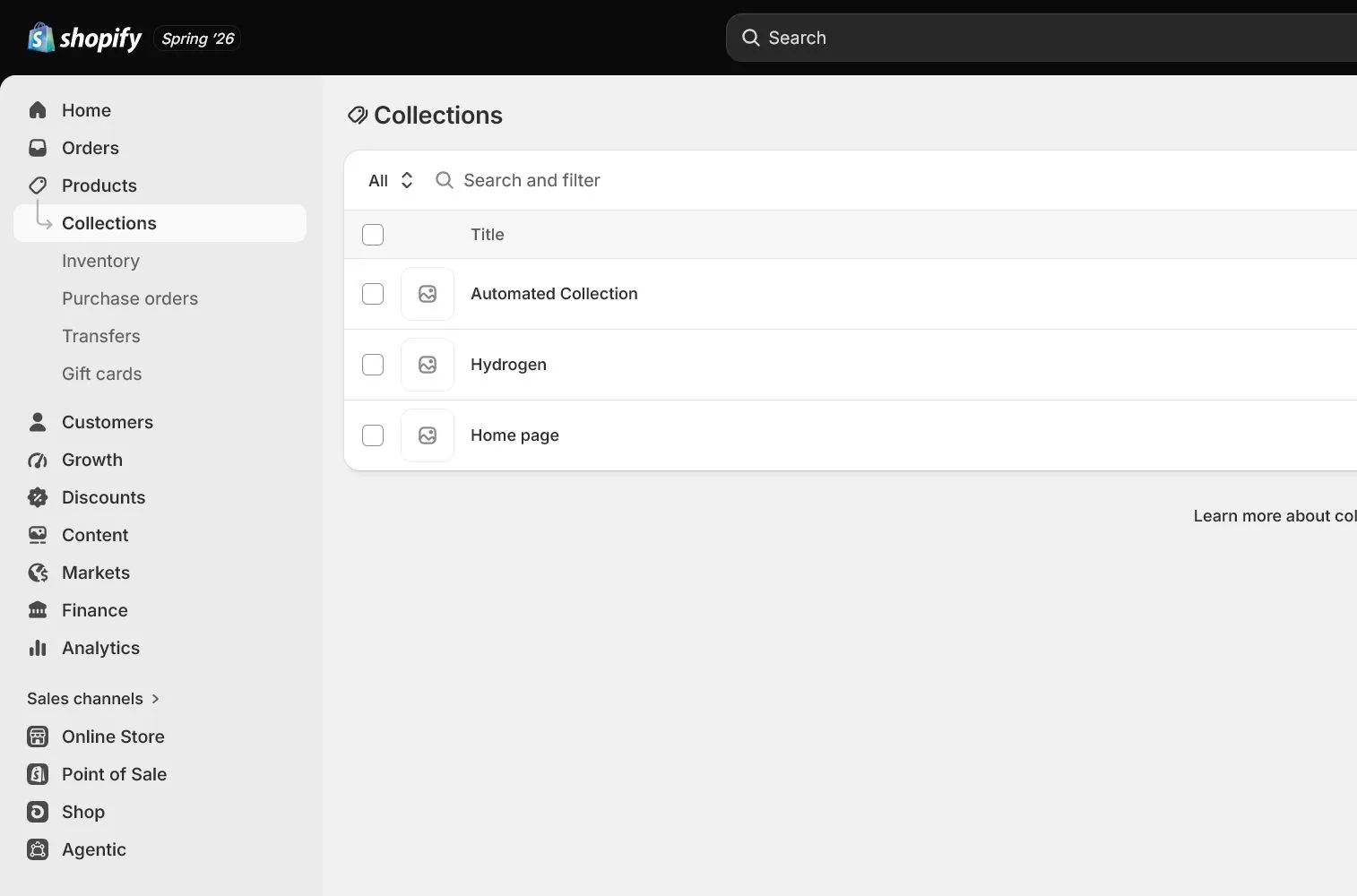
Do not change these blindly
- Do not create many vague collections containing one product.
- Do not make category, product type, vendor, and tags duplicates.
- Do not assume a new collection automatically appears in navigation.
Completion standard
The lesson is complete only when every item below has evidence. Saying that the page was reviewed is not acceptance.
- The catalog map states the shopping intent of each collection.
- Field responsibilities and naming rules are fixed.
- Manual and automated collection rules have test evidence.
- Collection SEO, sorting, and mobile presentation are checked.
- Navigation and filtering follow-up tasks are recorded.
Common failures and fixes
| Symptom | What to do |
|---|---|
| An automated collection includes unrelated products | Test each condition, confirm all versus any logic, and inspect misused product fields. |
| The storefront collection is empty | Check product status, collection rules, market, and channel availability rather than adding manually once. |
| Filters are excessive or empty | Keep only customer-useful fields with complete data, normalize values, and remove low-coverage filters. |
Frequently asked questions
When should I use automated versus manual collections?
Use automated collections for stable rules and growing assortments. Use manual collections for campaigns, curation, or rules that cannot be expressed reliably.
Can tags be the main product taxonomy?
Tags are better for internal rules and operational labels. Use standard category and stable product type for long-term taxonomy so filters and feeds remain consistent.
Does a collection page need a description?
Yes. It explains who the collection serves, how to choose, and how it differs from others, while providing unique content for SEO and internal links.
Official sources
Admin labels and rules change. These official pages are the maintenance baseline, and every screenshot must be checked against the current English admin.